Remove an app
Remove an app
Remove an icon from your home screen and delete apps from your device.
INSTRUCTIONS & INFO
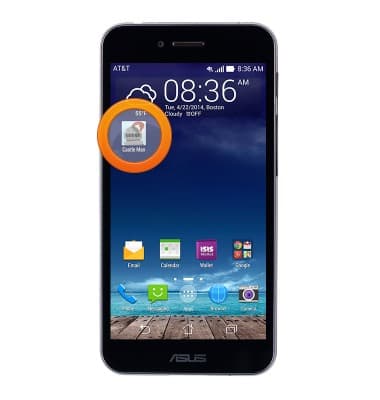
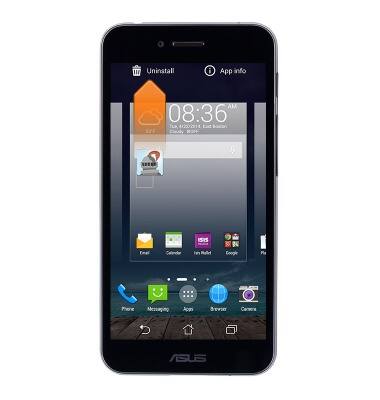
- To remove an app from the home screen, touch and hold the desired app.
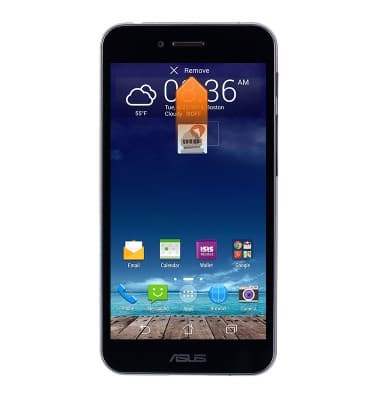
- Drag the icon to Remove.
- To remove an app from the device, from the home screen, tap the Apps icon.
Note: When docked in PadFone Station, tap Apps to access downloaded Apps.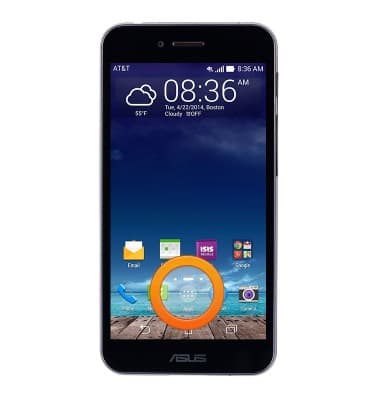
- Touch and hold the desired app.
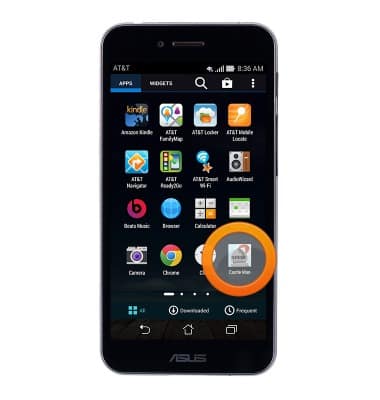
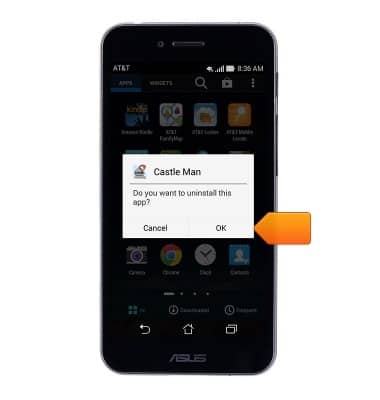
- Drag the icon to Uninstall.
- Tap OK.