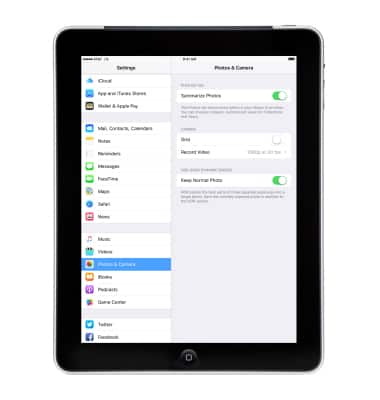
Camera & video settings
Camera & video settings
Manage camera and video settings including flash, timer, voice control, recording mode, storage location, and more.
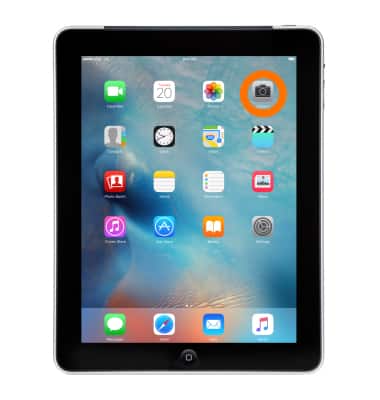
- To change camera or timer settings, from the home screen, tap Camera.
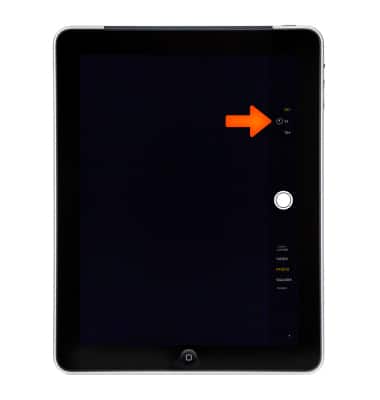
- To change the camera timer setting, from the viewfinder tap the Timer icon and then select the desired option.
- To change additional camera and video settings, from the home screen, tap Settings > Photos & Camera.
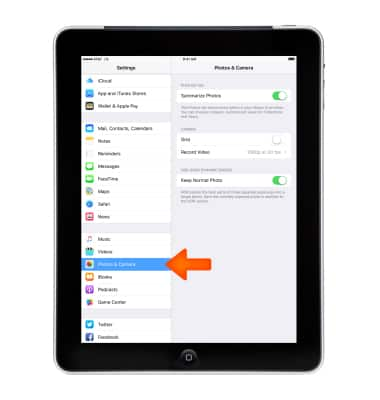
- Adjust the settings as desired.
Note: If you are you having trouble taking pictures or video on iPhone, get help.