Display own number

Display own number

This tutorial shows how to display the number of the device.

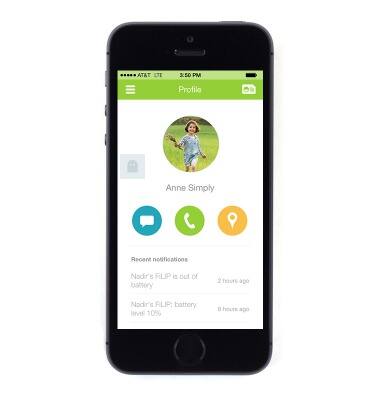
  1. From the FiLIP app, tap the Menu icon in the upper left corner.
    device 2810/1392803.jpg
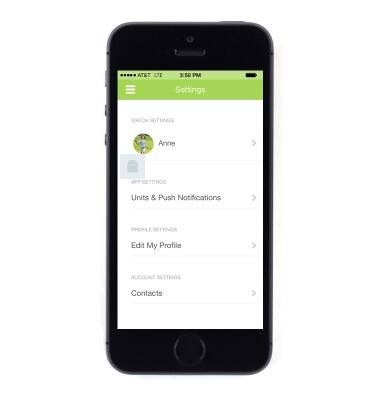
  2. Tap Settings.
    device 2810/1392804.jpg
  3. Tap Edit My Profile.
    device 2810/1392805.jpg
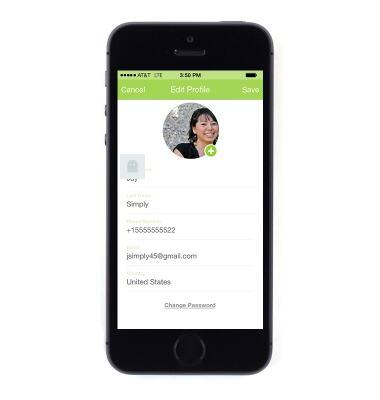
  4. The number will be displayed.
    device 2810/1392806.jpg

Was this guide helpful?