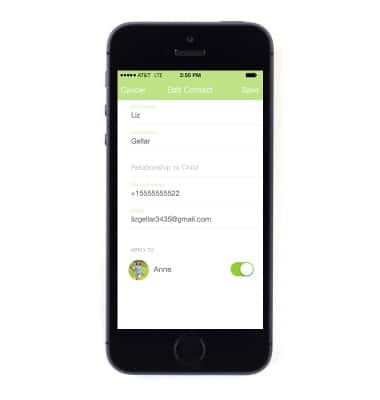
Account sharing
Account sharing
This tutorial shows how to share accounts for the device.
INSTRUCTIONS & INFO
- Account Sharing allows you to invite trusted guests to view your child's location and be in touch with them.
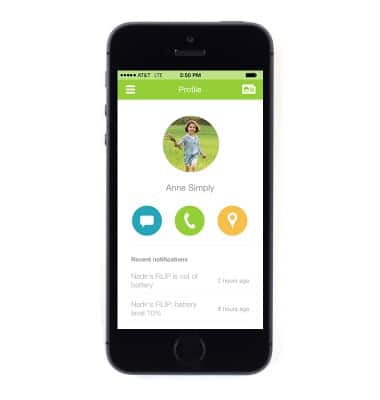
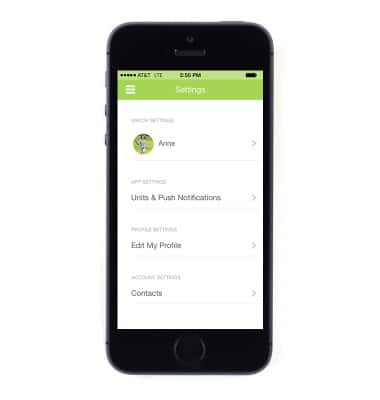
- To share your FILIP App account with one of the five contacts, tap the Menu icon in the upper left corner.
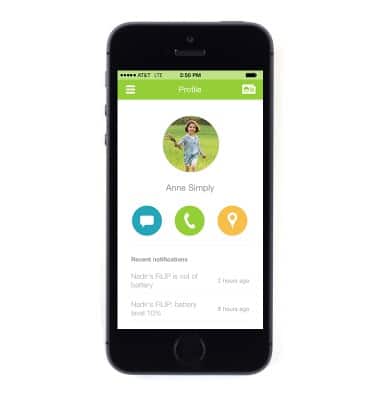
- Tap Settings.
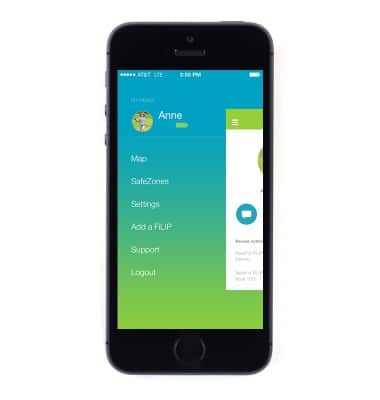
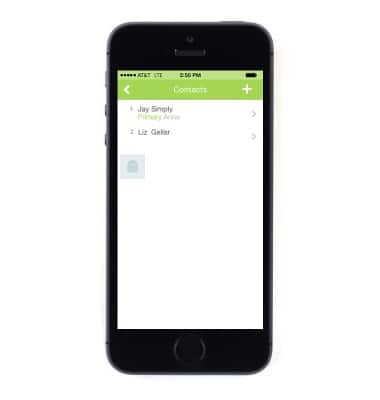
- Tap Contacts.
- Select the desired contact that you want to share the account with.
- Tap the Guest Status toggle to enable and your guest will receive an email giving them instructions on how to share your account with you.