Signal & data availability
Signal & data availability
This tutorial shows how to view the signal and data availability.
INSTRUCTIONS & INFO
- Signal strength will be indicated at the top of the display. When you are within range of a cellular tower the indicator will show more bars, if you are not in range of a cellular tower you will have less bars/less signal strength.
Note: To view the locations AT&T voice and data service can be used, see the AT&T Network coverage map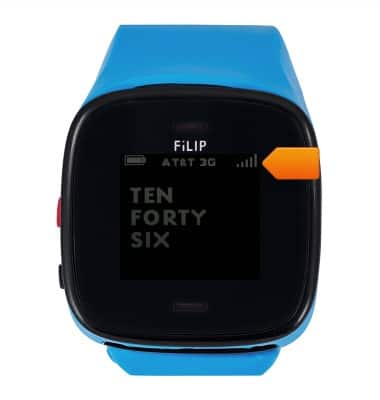
- Network type is displayed at the top of the display. If network type is not displayed, press the Red button.
Note: To learn more about the AT&T network, visit http://www.att.com/network.