Charge the battery
Charge the battery
This tutorial shows how to charge the battery of your device.
INSTRUCTIONS & INFO
- Use the original charger and battery to maintain optimal battery performance over the life of your device.
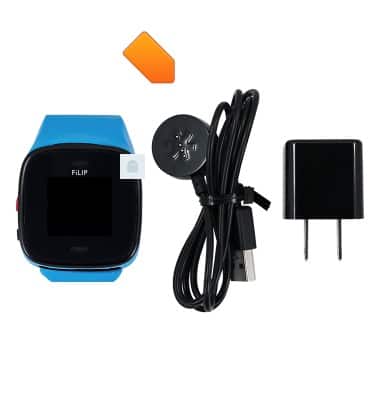
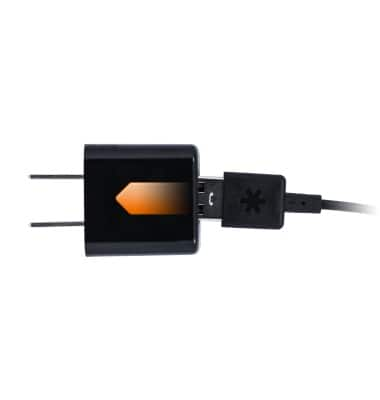
- Plug the USB end of the charger cable into the A/C adapter.
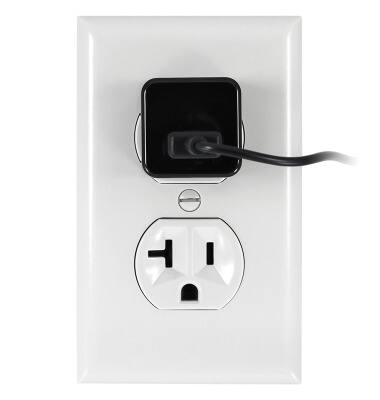
- Plug the A/C adapter into an available power outlet.
- Alternatively, you may insert the USB end of the power cable into a computer.
Note: Your FiLIP will charge slower while plugged into a computer.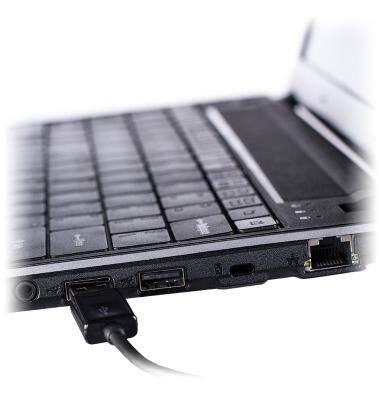
- Place the other end of the power cable onto the charging base of the FiLIP.

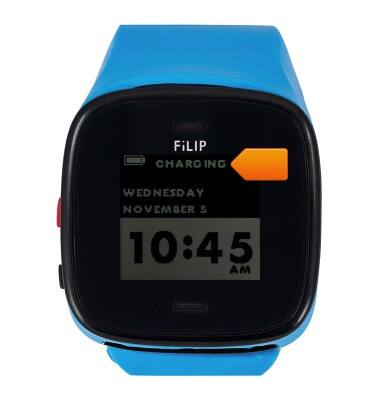
- When the device is charging, CHARGING will be displayed