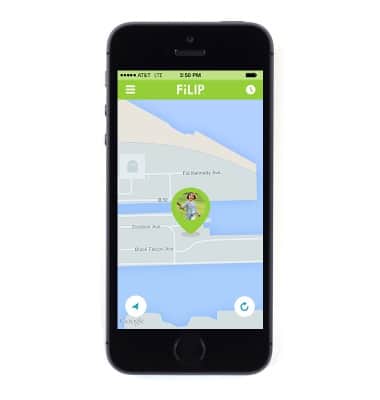
Check location
Check location
This tutorial shows how to check the location of the device.
INSTRUCTIONS & INFO
- To check the child's location from the FiLIP app, tap the orange Location icon in the middle of the screen.
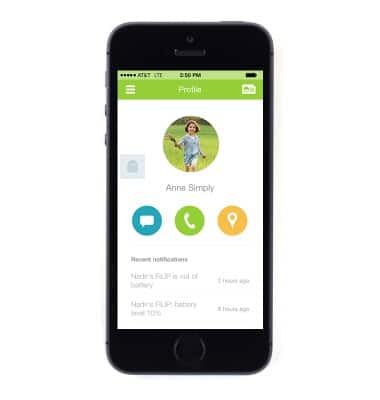
- The child's location will be displayed.
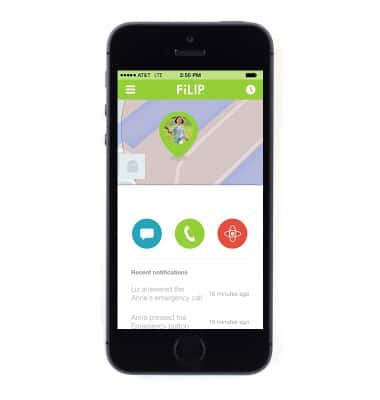
- To access a full map view, tap the child's location.
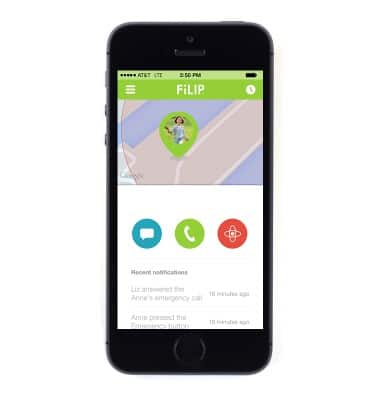
- To refresh the location, tap the Refresh icon.