Activate & register
Activate & register
This tutorial shows how to go about the activation process.
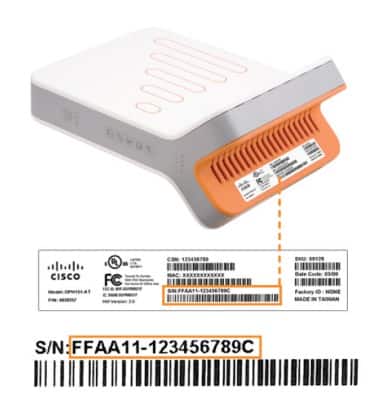
- Write down your MicroCell's serial number as you will need it for online activation and for future reference.
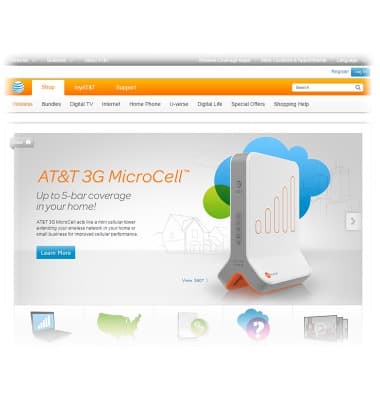
- To activate your MicroCell, open a web browser, and navigate to www.att.com/microcell.
- Locate and click Activate.

- Tap the desired account type.
Note: This tutorial selects "Personal Account".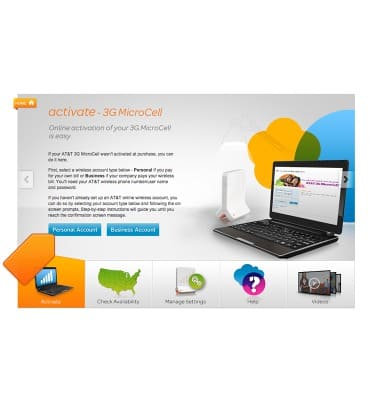
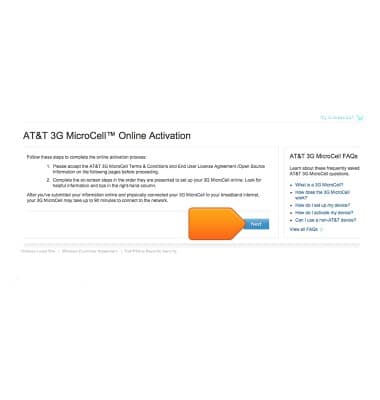
- Click Next.
- Enter your myAT&T username and password, then click Log in.
Note: If you do not have an AT&T login, please follow the prompts on the right side of the screen to register.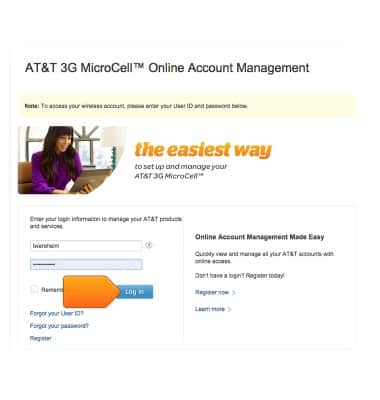
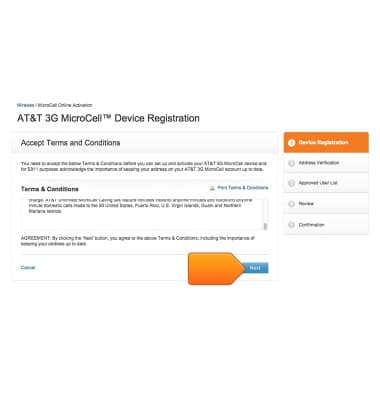
- Read the Terms & Conditions, then click Next.
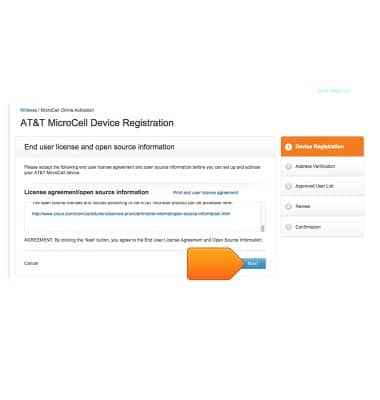
- Read the License agreement/open source information, then tap Next.
- Enter your device serial number, then click Next.

- Enter your Location and Identification information, then click Next.
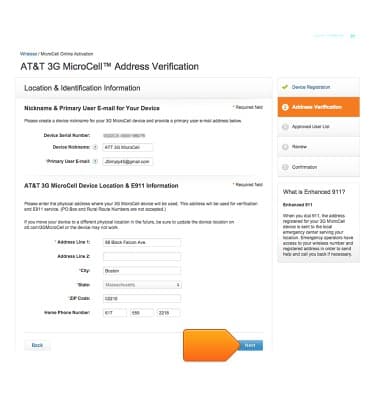
- Tap Next.
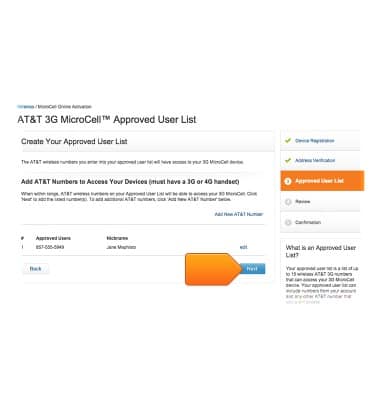
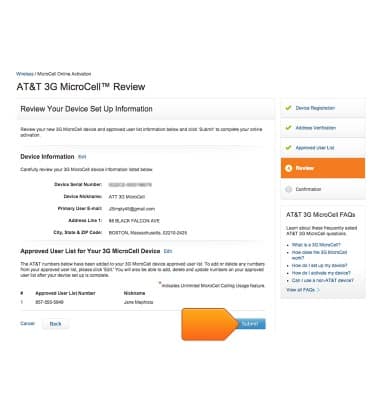
- Review your device setup information, then click Submit.
- Confirm your device setup information, then click Continue.
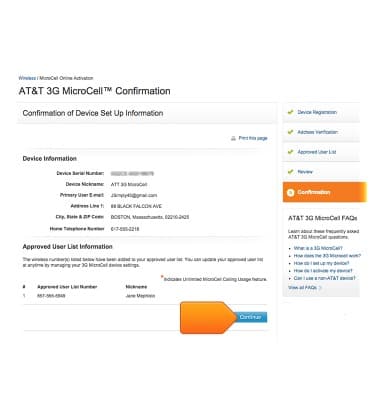
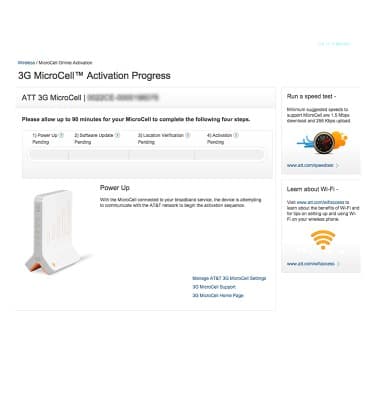
- Your MicroCell activation process has begun. Please allow 90 minutes for your MicroCell to complete activation.