View device software version
View device software version
This article describes how to find the software and firmware version.
INSTRUCTIONS & INFO
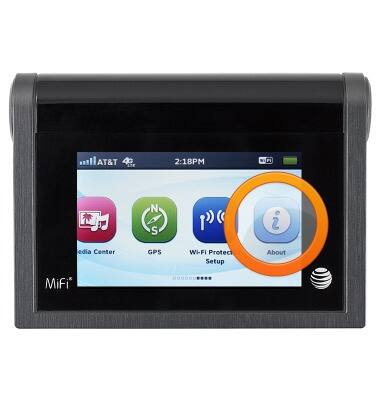
- From the home screen, swipe to, then tap About.
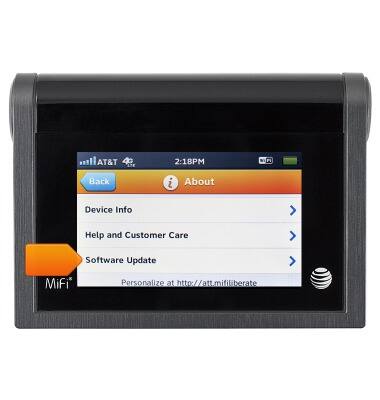
- Scroll to, then tap Software Update.
- The Software Version will be displayed.
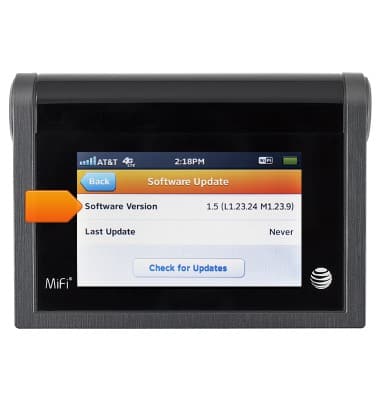
- To check for updates, tap Check for Updates. If updates are available, follow the prompts to continue to update.
