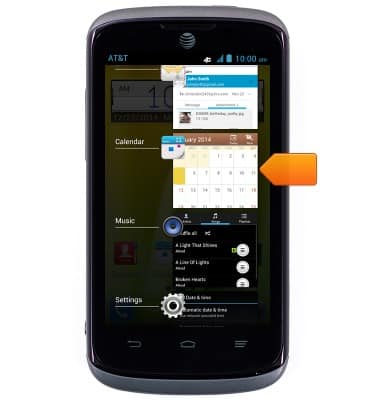
View or close running apps
View or close running apps
How to view, switch between, and close running applications
INSTRUCTIONS & INFO
- From any screen, press and hold the Home key.

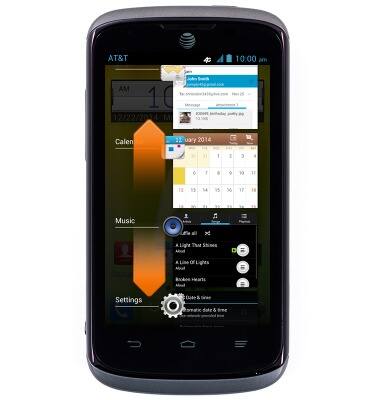
- Scroll up and down to view running applications.
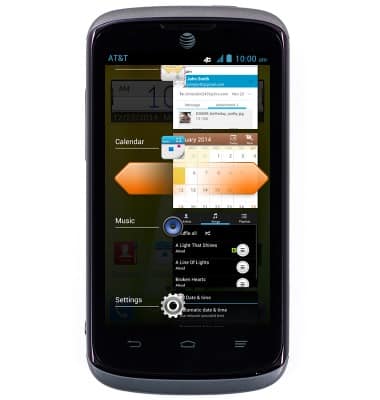
- Swipe left or right to close a running application.
- Tap the desired app to launch.