Download apps & games
Download apps & games
Download apps, games, movies, music, books, magazine, newspapers and more.
INSTRUCTIONS & INFO
- The Google Play Store provides access to the latest music, apps, games, videos, and more to all Google account holders. You must have a Google account to access the Play Store.
Note: For more information or support, please see the Google Play Help site.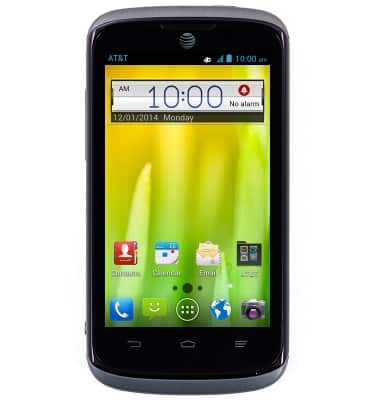
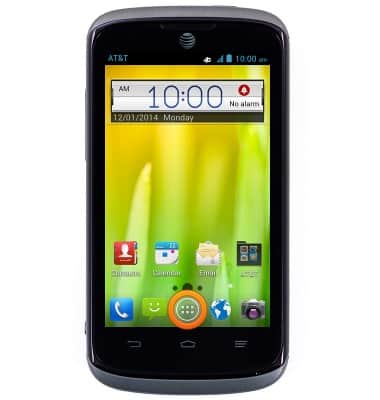
- From the home screen, tap the Apps icon.
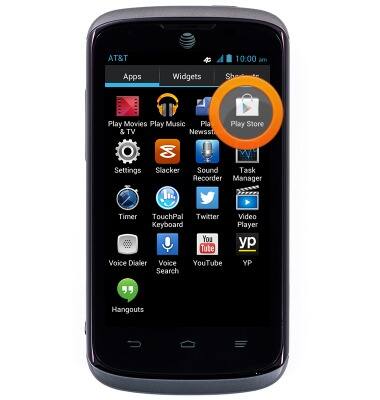
- Swipe to, then tap Play Store.
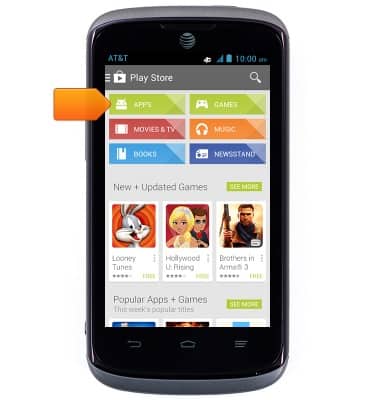
- Tap APPS.
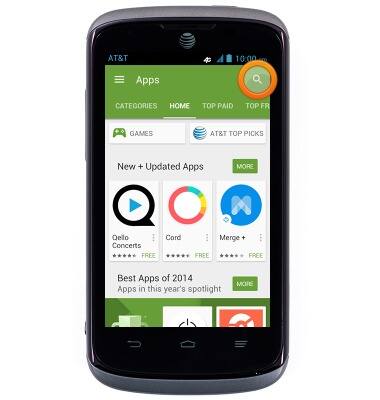
- Tap the Search icon.
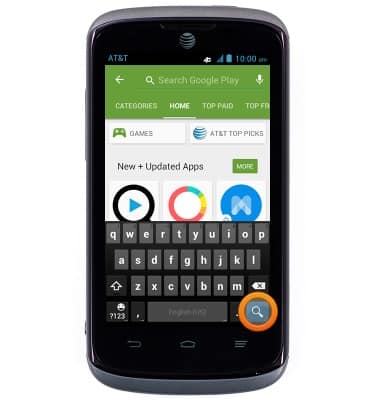
- Enter the desired app name, then tap the Search icon.
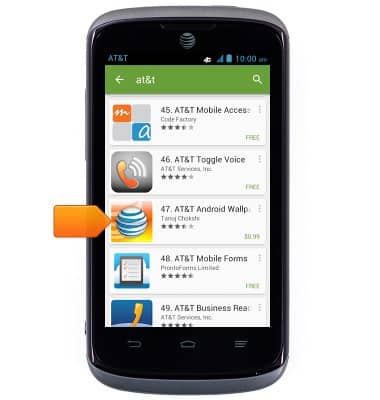
- Tap the desired result.
- Tap the Price icon.
Note: Tap 'INSTALL' for a free app.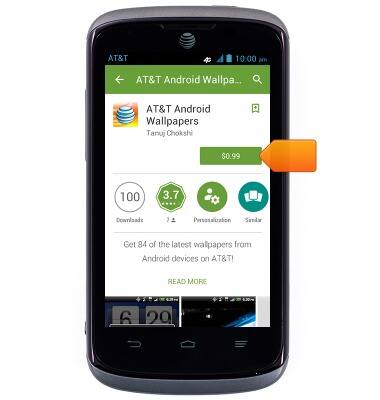
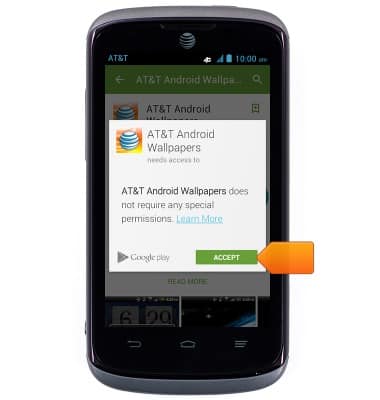
- Tap ACCEPT.
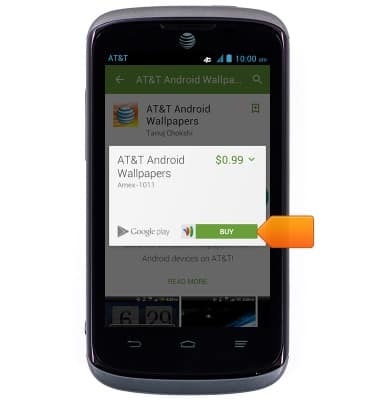
- Tap BUY.
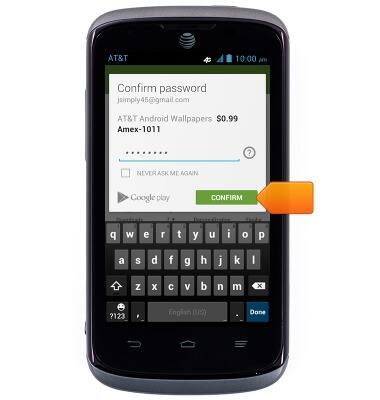
- Enter the required Google password.
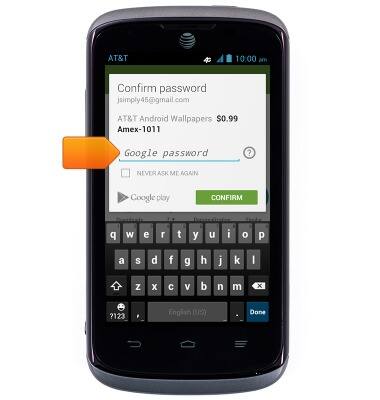
- Tap CONFIRM.
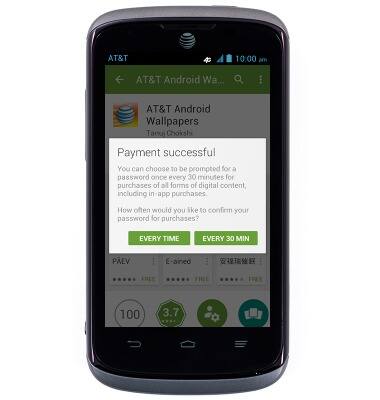
- Tap the desired option.
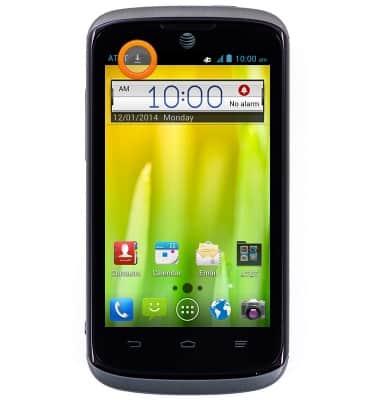
- While the content is downloading, the Download icon will be displayed in the Notifications bar.
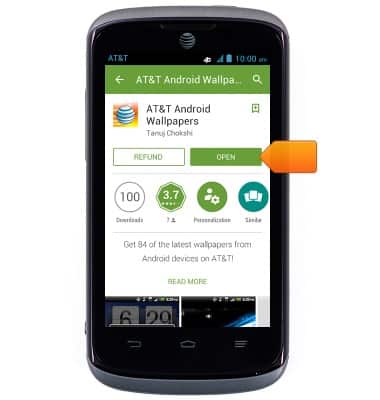
- Tap OPEN.
Note: For a paid app, a refund can only be made within 15 minutes after the purchase of an app. To return a paid app, go to Play Store > Tap the 'Play Store tab' > Tap 'My apps' > Tap the desired app > Tap 'Refund'.