Signal & cellular data
Signal & cellular data
View signal strength and network connection status,
INSTRUCTIONS & INFO
- Signal strength and data availability are displayed on the OLED screen on the inside left panel of the AT&T Modio LTE case.
Note: If the OLED screen is off, press the Power key to turn it on.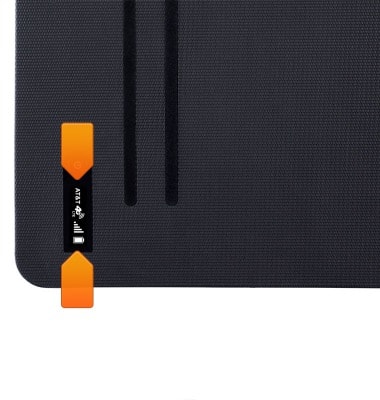
- The Signal bars indicate network connection strength. More bars represent a better connection.
Note: To view the locations AT&T data service can be used, see the AT&T Network coverage map.
- When connected to the 4G LTE network, the 4G LTE icon will display.
Note: To learn more about the AT&T network, visit http://www.att.com/network.
- Signal and data availability are also shown in the upper left corner of the AT&T Modio Data app home screen.
