Skip Navigation
Personal
Business
Find a store
Ver en español
Menu
Deals
Wireless
Internet
Accessories
Prepaid
Search
Support
Account
Start of main content
Wireless Support
/
Device Support
/
Charge battery
Share
Which device do you want help with?
Change device
Charge battery
This article describes how to charge the battery.
INSTRUCTIONS & INFO
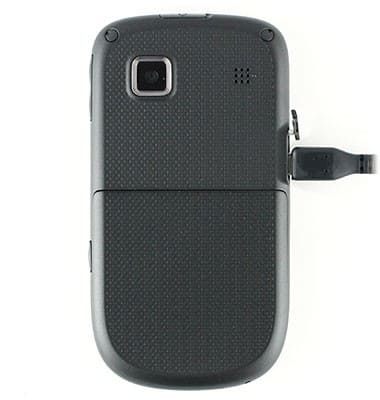
Insert the
MicroUSB Cable
into the microUSB charging slot.
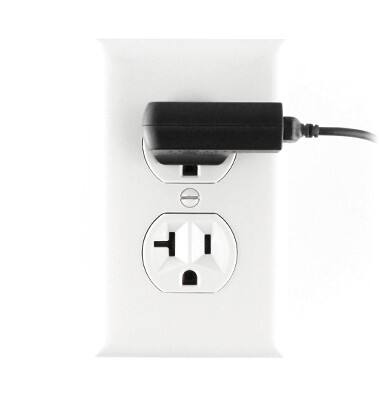
Insert the
Power Adapter
into an available electrical outlet.
Did you get the help you needed?
Yes
No
Additional support
Upgrade device
Check your upgrade eligibility
Wireless support
Get help with your wireless device, plan, and more.