Set up Personal Email
Set up Personal Email
Add your personal email account to sync email, contacts, calendar, and notes to your device.
INSTRUCTIONS & INFO
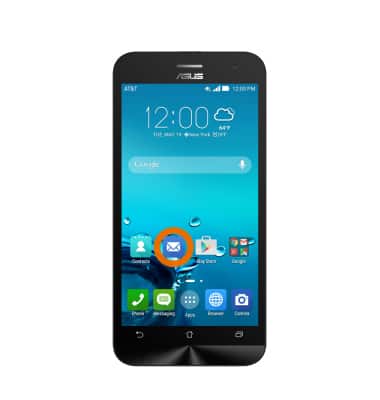
- From the Home screen, tap the Email icon.
- Tap the desired account type.
Note: For this demonstration, ‘Gmail’ was selected.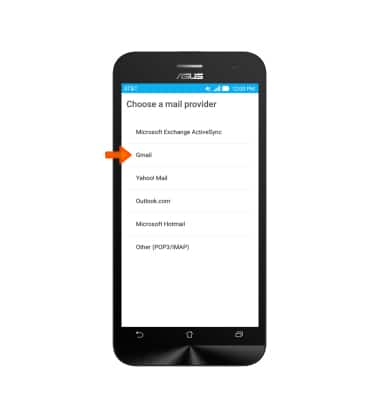
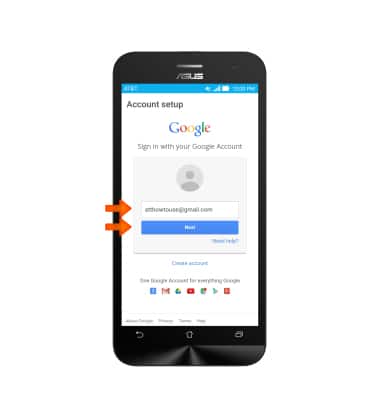
- Enter the Desired email address and then tap Next.
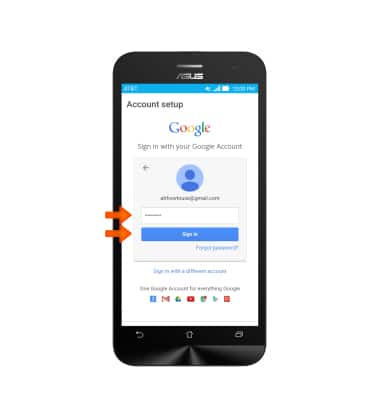
- Enter the Required password, then tap Sign in.
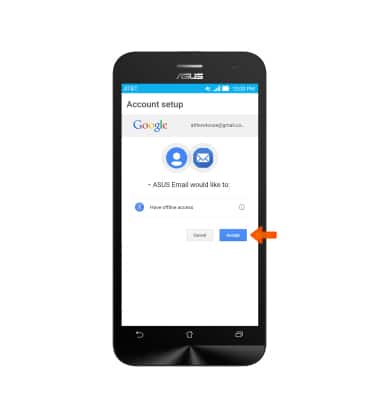
- Tap Accept.
- Choose Desired account settings and tap Next.
Note: If multiple accounts are configured, tap to check Send email from this account by default if desired.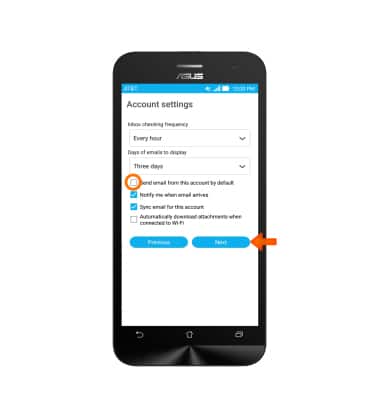
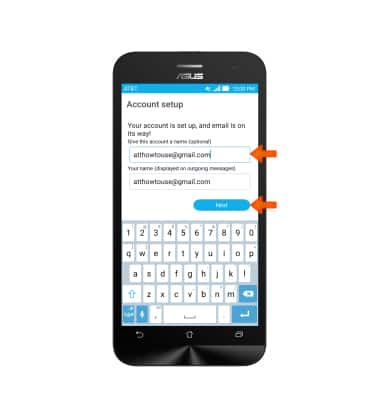
- Adjust the display name if desired, and then tap Next.