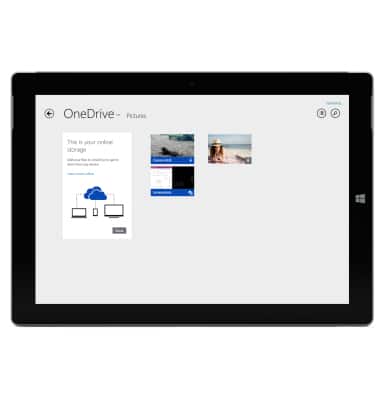
Microsoft OneDrive
Microsoft OneDrive
Save files to OneDrive and access them from any device, like your PC, tablet, or phone.
INSTRUCTIONS & INFO
- To backup your device using Microsoft OneDrive, from the Start screen, tap the Microsoft OneDrive tile.
Note: To add files to OneDrive, from the Settings menu, make sure to toggle metered connections on in the OneDrive settings menu.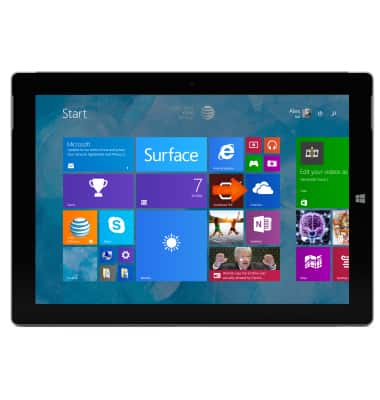
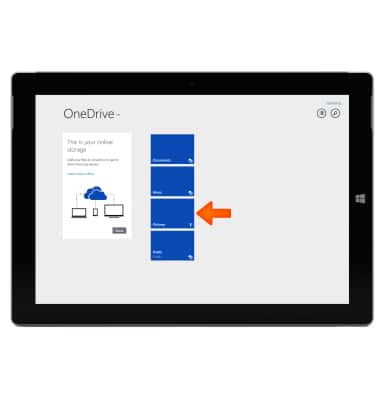
- Tap Folders to browse to the location on OneDrive where you want to add the files.
- Swipe up from bottom edge of the screen and then tap Add files.
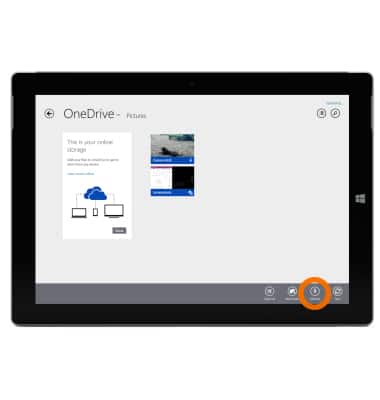
- Browse through the Desired files.
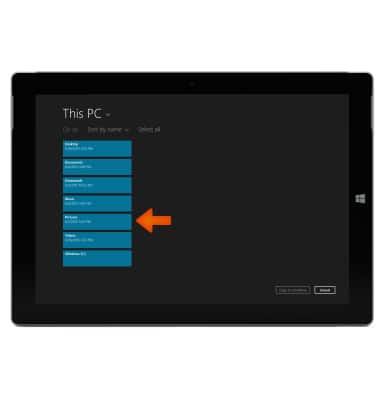
- Tap the Desired file, then tap Copy to OneDrive.
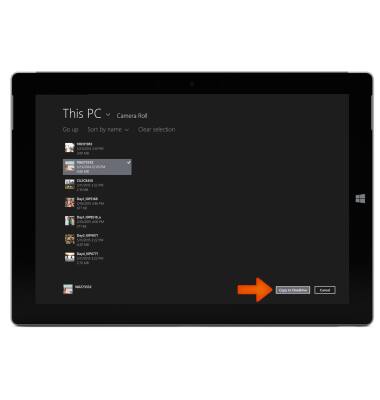
- Your files are now uploaded to OneDrive.
Note: To learn more about using OneDrive, see Using OneDrive on Surface on Surface.com and Getting started with OneDrive on Windows.com.