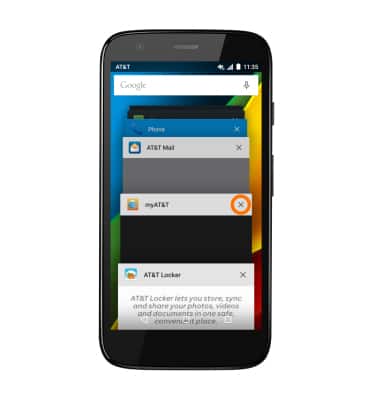
View or close running apps
View or close running apps
How to view, switch between, and close running applications.
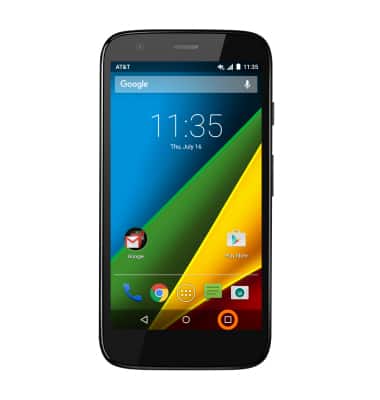
- To access recently used apps, tap the Recent apps key.
- To switch between apps, scroll to and tap the Desired app.
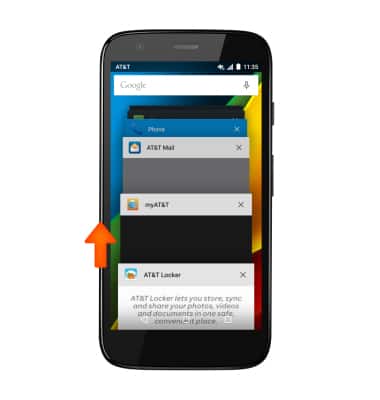
- To close an app, slide it to the left or right.
Note: For information on viewing app and data usage, please see the 'View & manage data' tutorial.