Change Watch Face
Change Watch Face
This tutorial shows how to change the watch face on the device.
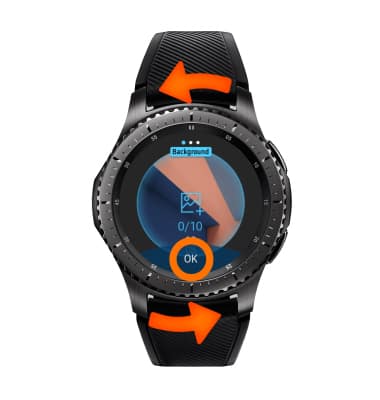
- To change the watch face, from the clock screen select and hold the watch face.
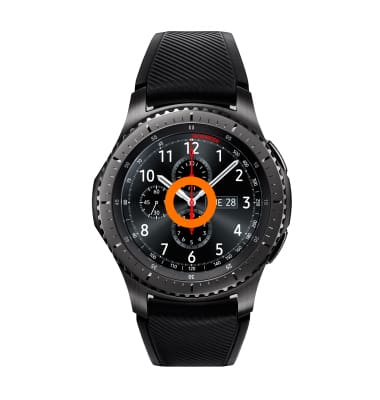
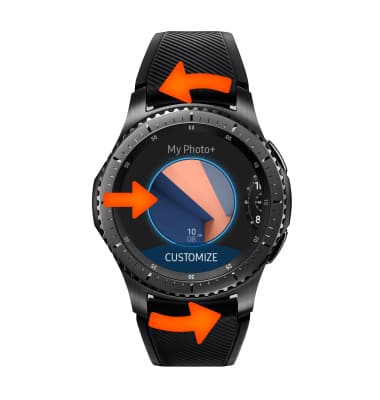
- Rotate the bezel to and select the desired watch face.
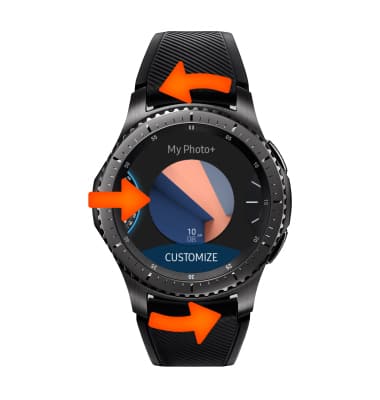
- For additional variations of the watch face, select Customize.
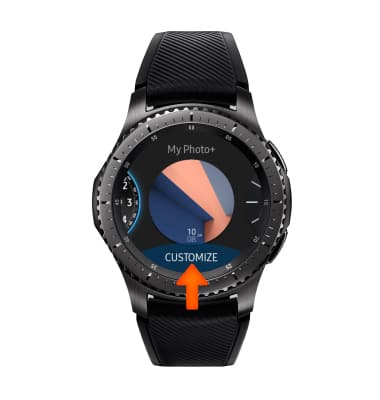
- Rotate the bezel to highlight the desired option, then select OK.
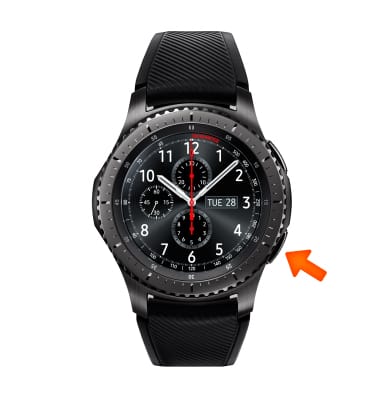
- An alternative method for selecting watch faces, from the clock screen press the Power/Home button.
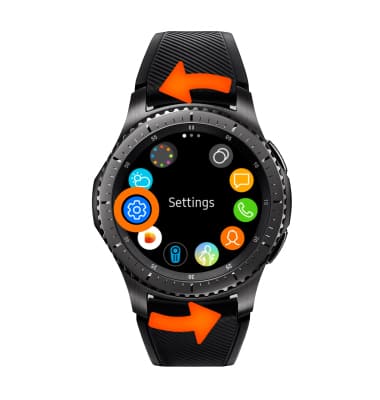
- Rotate the bezel to and select the Settings icon.
- Select Watch faces and style.
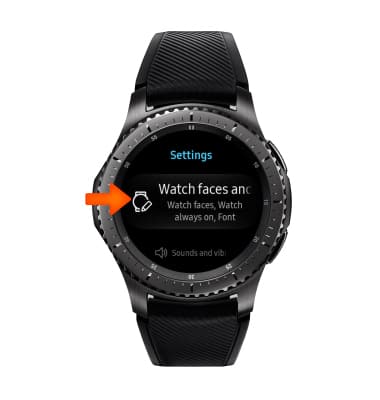
- Select Watch faces.
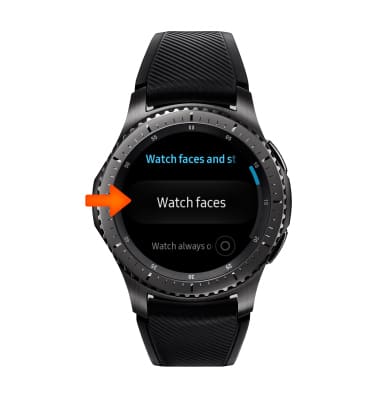
- Rotate the bezel to and select the desired watch face.
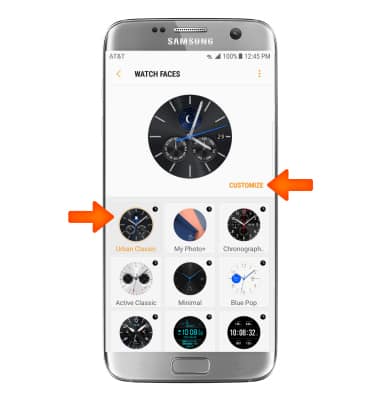
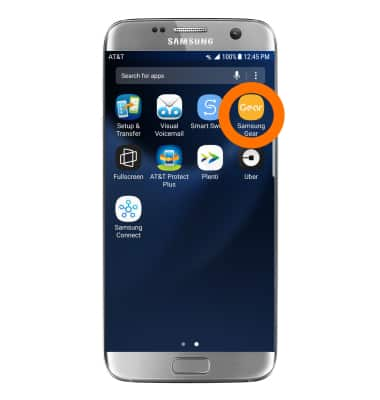
- From your paired device, open the Samsung Gear app.
- Select the SETTINGS tab, then select Watch faces.
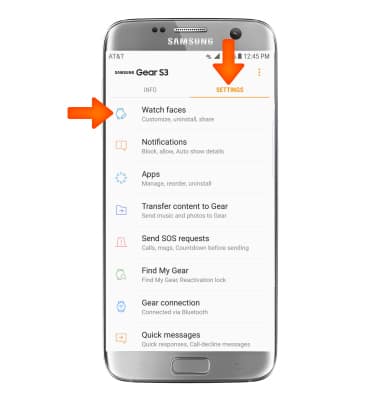
- Select the desired watch face. Select CUSTOMIZE to customize the selected watch face.