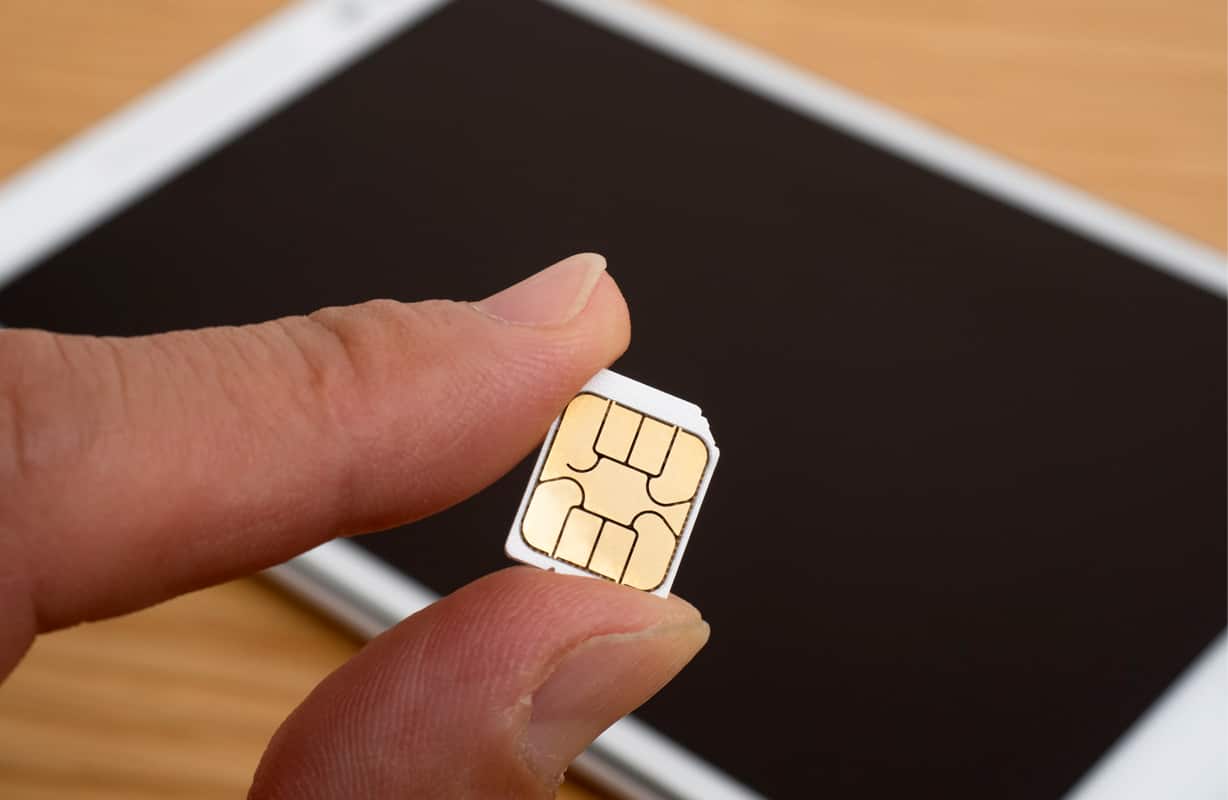
Activate your tablet or laptop using eSIM
Newer tablets and laptops use an eSIM to activate a wireless plan. Learn how to download yours.
iPads with an eSIM
If your iPad® uses an eSIM, you may be asked to install a wireless plan when you set it up. If you aren't asked, you can install one now:
- Open Settings.
- Select the AT&T Cellular Plan Ready to be Installed notification.
- Follow the prompts on your device to add a plan.
If you can't download your eSIM with these steps, activate your iPad first.

Tablets with a SIM card
If your iPad or Android® tablet uses a SIM card, it may already be activated. Just make sure the SIM is inserted.
Still no connection? Activate it now.