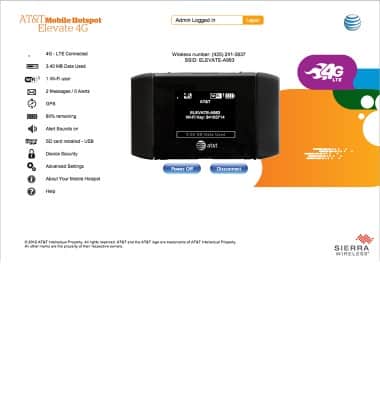
Access Elevate 4G Web Manager
This tutorial provides an overview of how to access Web manager, an overview of Web manager, and how to access via AT&T AllAccess Mobile App.
Starting December 31, 2022, the AT&T AllAccess app is going away. As a result, some features on your device may no longer be supported. You'll be able to view data usage and notifications on your myAT&T account page, and you can explore other options to stay connected with your device on the go. Learn more about mobile hotspot options.
-
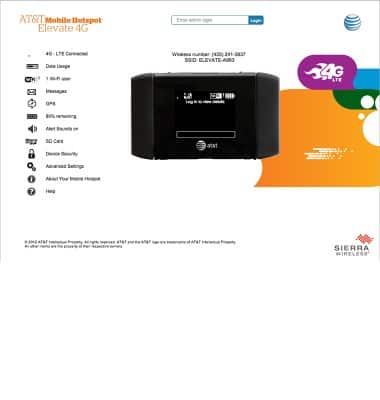
From a device connected to the hotspot, open a web browser and navigate to http://att.elevate or http://10.53.26.85.
-
Enter your login, then click Login.
Note: Note: The default admin login for is 'attadmin'.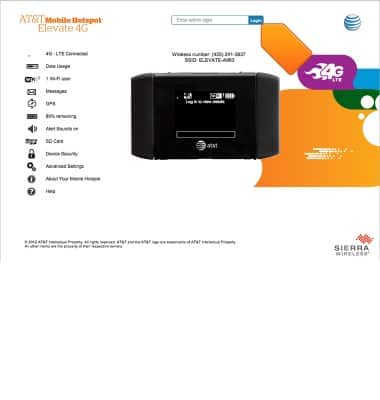
-
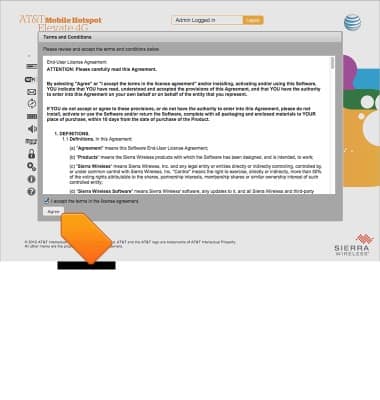
Read and accept the Terms and Conditions.
-
The AT&T Elevate Manager is now ready for use.