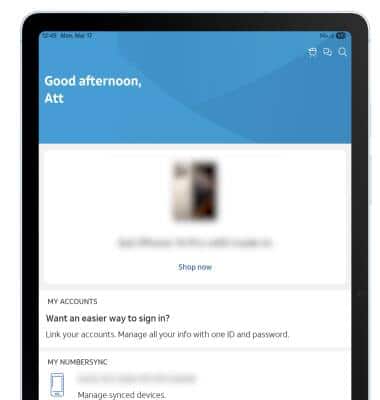
myAT&T
View and pay your AT&T bills online, manage your account, reset passwords, or upgrade your AT&T services.

1. Navigate to and select the  myAT&T app.
Note: Upon first access of the myAT&T app, review the Notification and Location prompts, then select Continue. You will also be prompted to share your location access, select the desired option.
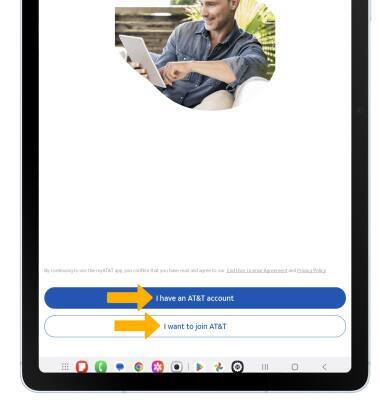
2. Select I have an AT&T account. If you do not have an AT&T account, select I want to join AT&T and follow the prompts to create an AT&T account.
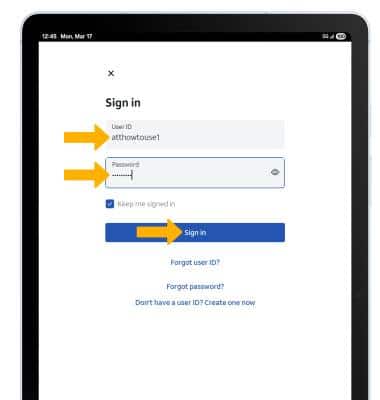
3. Enter your User ID and Password, then select Sign in.
Note: If you have forgotten your AT&T user ID or password, select Forgot user ID? or Forgot password?. If prompted, select Send on the verification prompt. Enter the 6-digit verification code then select Continue.
4. View and manage your myAT&T account as desired.
Note: Get more information about tasks you can perform using myAT&T.