In this tutorial, you will learn how to:
• Put device to sleep
• Awaken from sleep and access home screen
Put device to sleep
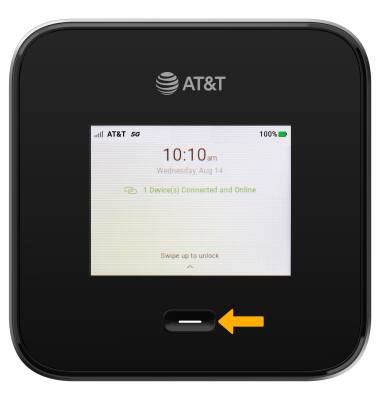
To put the screen to sleep, press the Power button below the screen once.
Awaken from sleep and access home screen
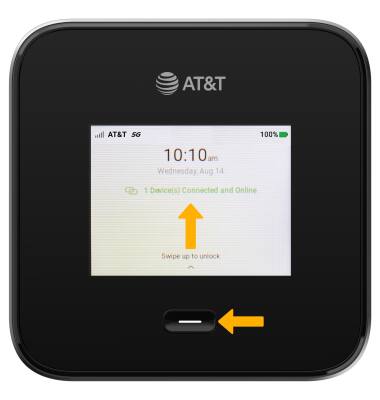
1. To awaken the device, press the Power button below the screen, then swipe up.
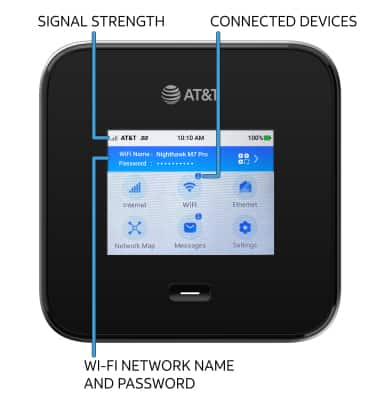
2. The device home screen shows the device's signal strength, number of connected devices, Wi-Fi network name and password.