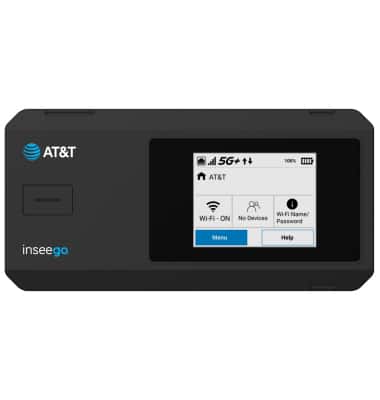
Device Setup
Device Setup
Set up your device for the first time or after having done a factory reset.
INSTRUCTIONS & INFO

Before setting up your device, make sure you have completed the online activation process. Please visit Activate phone, SIM card, or other device for more information.
1. To setup your router, press and hold the Power button to turn the device on.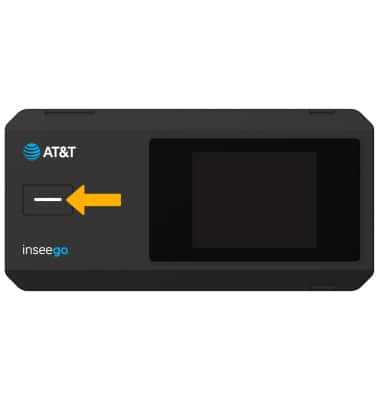
2. Select the desired language.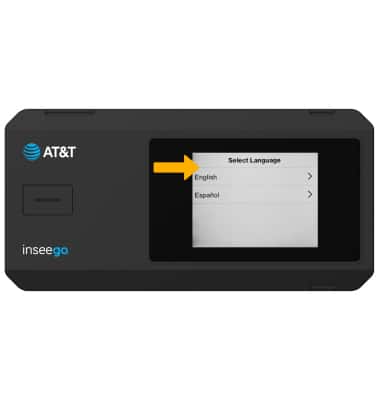
3. Review the welcome tutorial prompts. Swipe left to continue.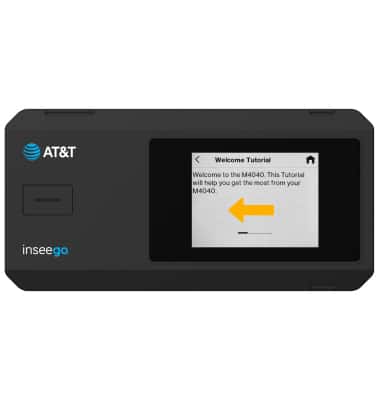
4. When you are finished, select the Home icon.
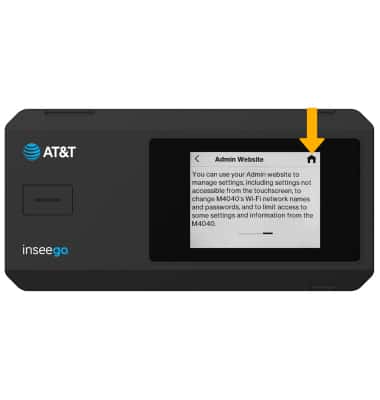
5. Your device is now ready for use.
Note: For optimal placement, place your hotspot on a higher shelf and near a window. Try to avoid placing it near items that may interfere with wireless network signal, such as large appliances, microwaves, stone or concrete walls, metal cabinets, computer monitors or televisions screens. To learn more about the AT&T network, visit www.att.com/network.