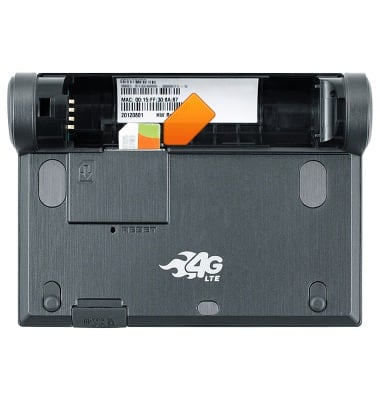
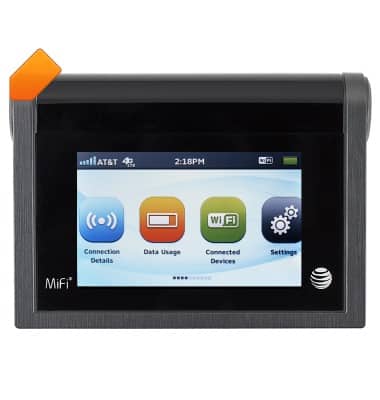
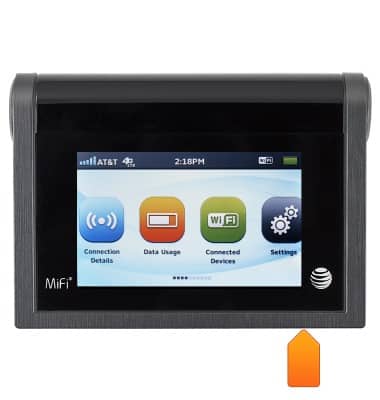
- The Power button turns the device on and off. It is located at the upper left corner of the device.
- The Touchscreen is located on the face of the device. It is used to control all aspects of the device.
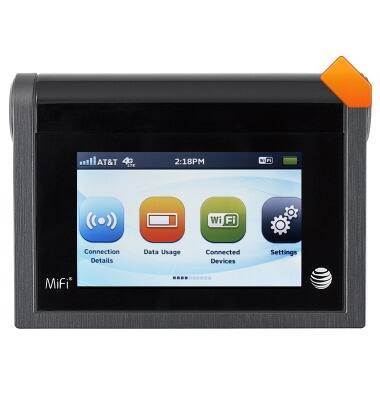
- The microUSB port is located at the upper right corner of the device.
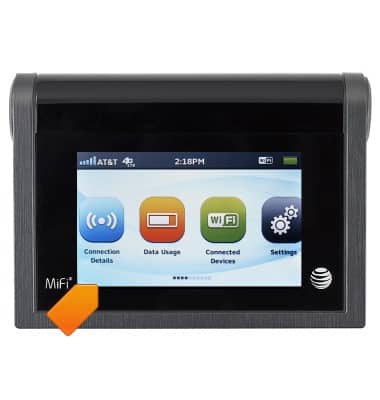
- The SD card port is located at the bottom of the device.
- The RESET pinhole button is located on the back of the device.
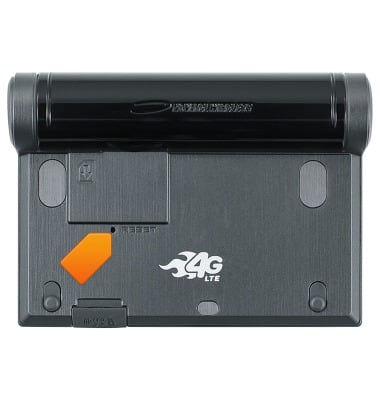
- The SIM card port is located under the Battery cover.