Skip Navigation
Personal
Business
Find a store
Ver en español
Menu
Deals
Wireless
Internet
Accessories
Prepaid
Search
Support
Account
Start of main content
Wireless Support
/
Device Support
/
View device software version
Share
Which device do you want help with?
Change device
View device software version
Check for updates to your devices operating system.
INSTRUCTIONS & INFO
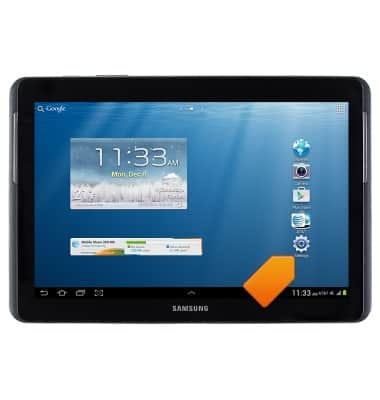
From the home screen, tap
Settings
.
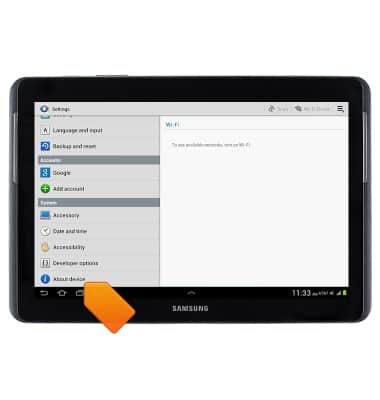
Scroll to, then tap
About device
.
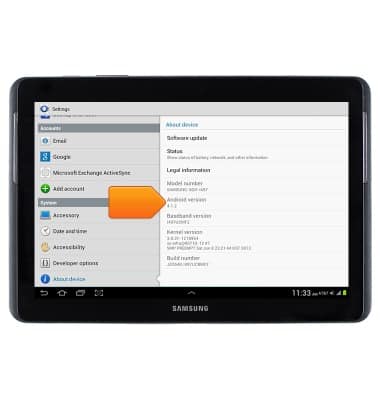
The Software version will be displayed.
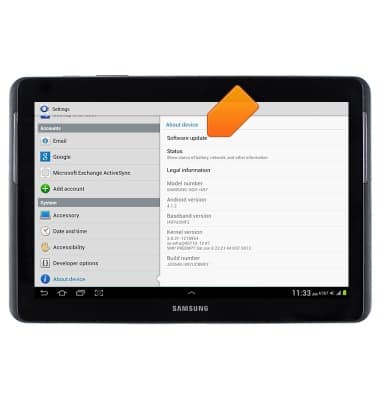
Tap
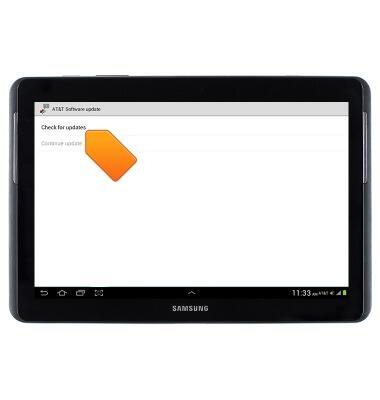
Software update
.
Tap
Check for updates
.
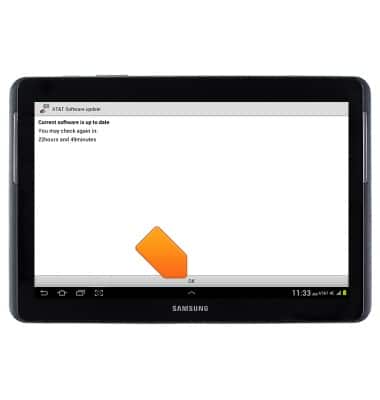
Tap
OK
.
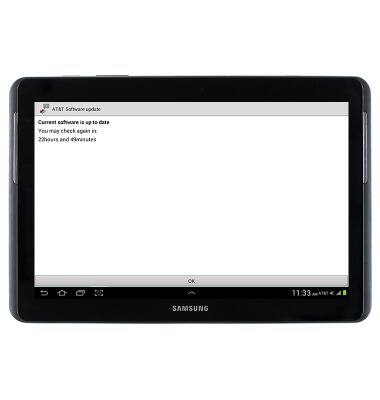
If updates are available, they will be displayed.
Did you get the help you needed?
Yes
No
Additional support
Upgrade device
Check your upgrade eligibility
Wireless support
Get help with your wireless device, plan, and more.