Skip Navigation
Personal
Business
Find a store
Ver en español
Menu
Deals
Wireless
Internet
Accessories
Prepaid
Search
Support
Account
Start of main content
Wireless Support
/
Device Support
/
Voice Control
Share
Which device do you want help with?
Change device
Voice Control
Use voice commands to control your device and access voice control settings.
INSTRUCTIONS & INFO
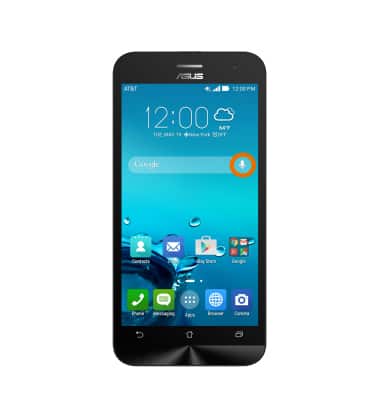
From the home screen, tap the
Microphone icon
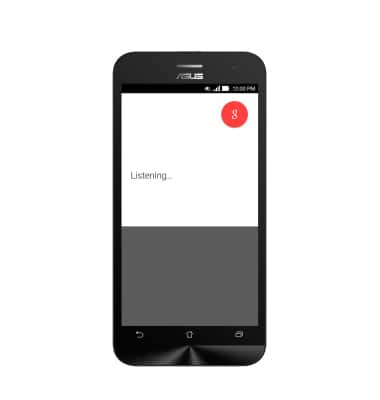
in the search bar and say “OK Google”.
Speak the
Desired command
.
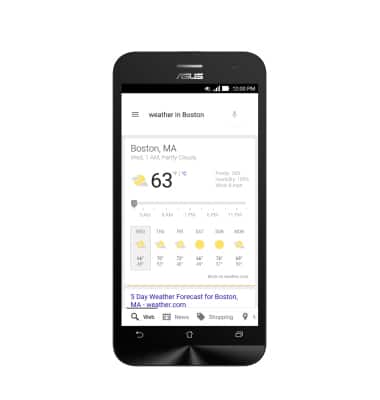
The
Desired result
will be displayed.
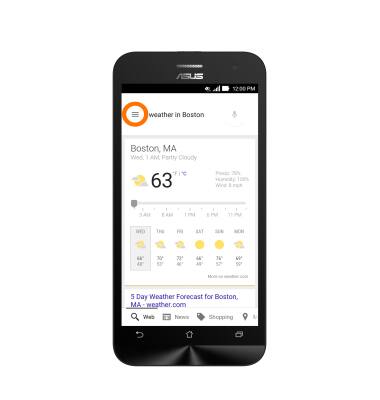
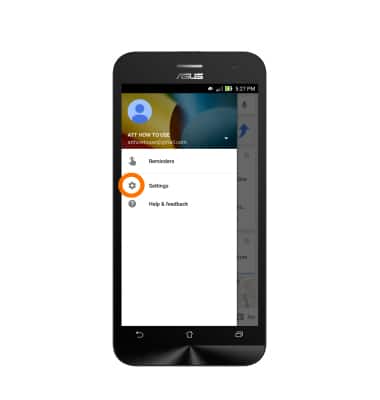
To access voice control settings from search results, tap the
Menu icon
.
Tap
Settings
.
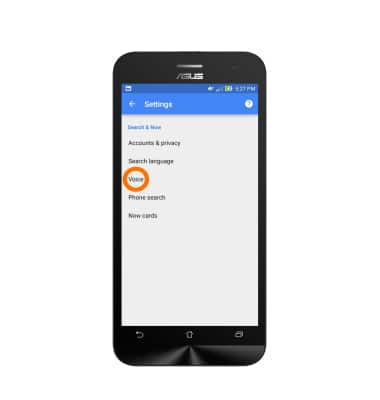
Tap
Voice
.
Did you get the help you needed?
Yes
No
Additional support
Upgrade device
Check your upgrade eligibility
Wireless support
Get help with your wireless device, plan, and more.