Device Setup
Device Setup
Set up your device for the first time or after a factory reset.

Before setting up your device, make sure you have completed the online activation process. Please visit Activate phone, SIM card, or other device for more information. The AT&T Global Modem USB800 is compatible with Microsoft® Windows® 7 and higher, Mac OS 10.5 and higher, and Linux OS.
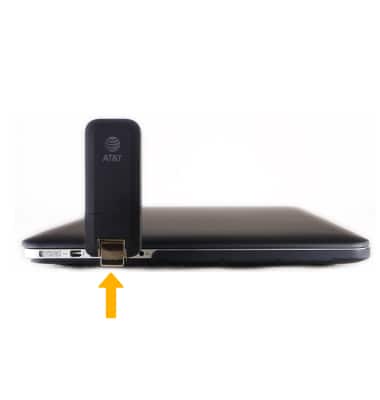
1. Insert the USB Connector of the AT&T Global Modem USB800 into an open port on the desired device. The device will automically connect to the AT&T network.
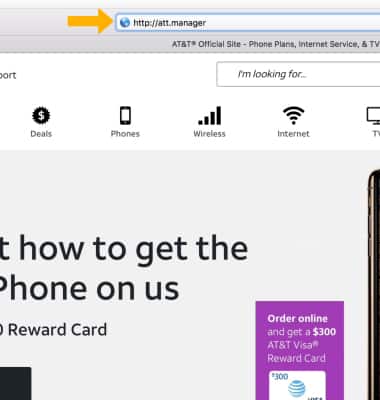
2. From the connected device's internet browser, navigate to http://att.manager.
3. Edit Network settings as desired.
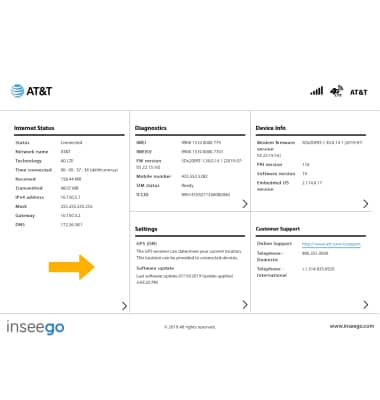
2. From the connected device's internet browser, navigate to http://att.manager.
3. Edit Network settings as desired.
What's in the box?
• AT&T Global Modem USB800
• SIM Card