Optimize your internet speed
Learn about internet speed, what affects it, and how to get the most from your service.
What affects my internet speed?
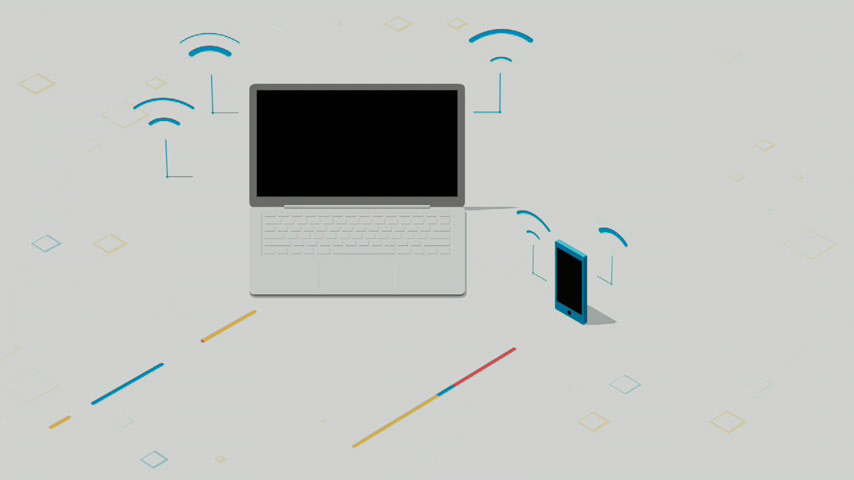
The speed of your internet connection to your Wi-Fi® gateway is pretty consistent. You can check it with AT&T Smart Home Manager.
However, the speed you get on devices connected to your network can vary. The number of devices you connect to Wi-Fi, how you use them, their age and type, and Wi-Fi signal strength all can affect speed.
Check device speedNumber of devices and activities
All connected devices share your home internet connection. Trying to do too much at the same time can slow your speed:
- Using multiple devices
- Streaming
- Gaming
- Video conferencing
Device type and age
Wi-Fi devices connect to your home network using wireless radios and tech.
- Wi-Fi devices connect to your home network using wireless radios and tech.
- Newer PCs and devices are usually faster than those using older Wi-Fi tech.
Wi-Fi signal strength
These conditions may weaken Wi-Fi and slow speed:
- Devices being too far from the Wi-Fi gateway
- Obstacles like walls, doors, or floors
- Construction materials like concrete or rebar
- Electrical appliances like microwaves and baby monitors
- Interference from neighbors’ Wi-Fi networks
How can I speed up my internet?
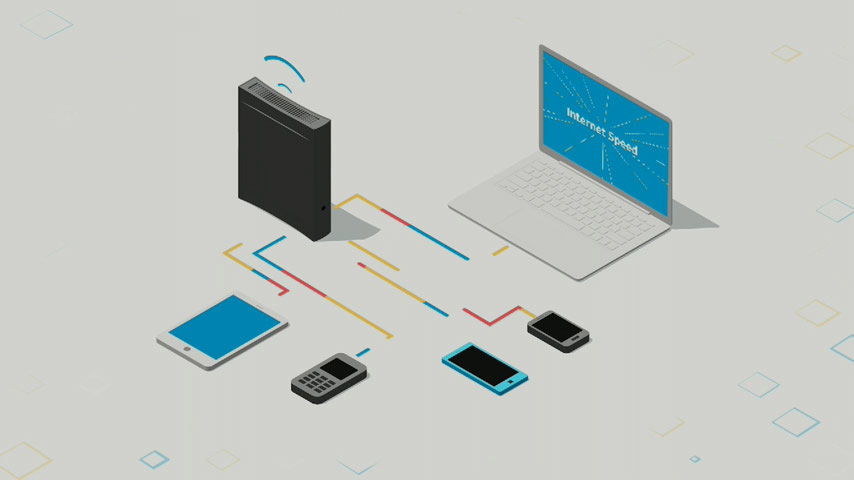
Take steps to boost internet and device speed.
Get results with easy changes
- Restart your Wi-Fi gateway every couple of weeks.
- Turn off or disconnect devices you're not using.
- Move Wi-Fi devices closer to your gateway.
- Add a Wi-Fi extender to strengthen and expand your coverage..
- Try using wired connections when you stream, game, and video conference.
- Place your Wi-Fi gateway in a central location away from obstructions.
Improve device speed
- Reboot devices regularly to clear system errors.
- Exit streaming apps after watching videos or listening to music.
- Set auto-updates on apps, gaming consoles, and PCs to run when your network isn’t busy.
- Update anti-virus programs, drivers, firmware, and computer and device software.
- Replace older Wi-Fi devices with newer, faster technology.
Have lots of connected devices?
How can I get help with my network and devices?
View devices on your network and check their data use and connection strength.
Test your internet speed from our network to your Wi-Fi gateway.
Use the Smart Home Manager to:
- Check your Wi-Fi signal strength and reach.
- Restart your gateway.
- Ask our Virtual Assistant for help with common issues.