Apple iPhone: Explore the New iPhone 17, iPhone Deals & More
New & existing customers
Get iPhone 17 Pro Max for up to $1,100 off
Add a new line
Get iPhone 17e for less than $1/mo.
Everyone can get our best deals on our most popular smartphones
New & existing customers
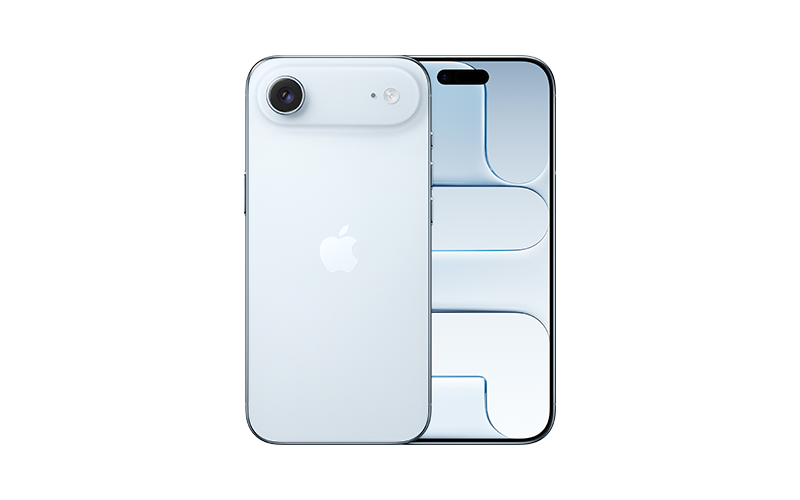
Get iPhone Air for up to $700 off
New & existing customers
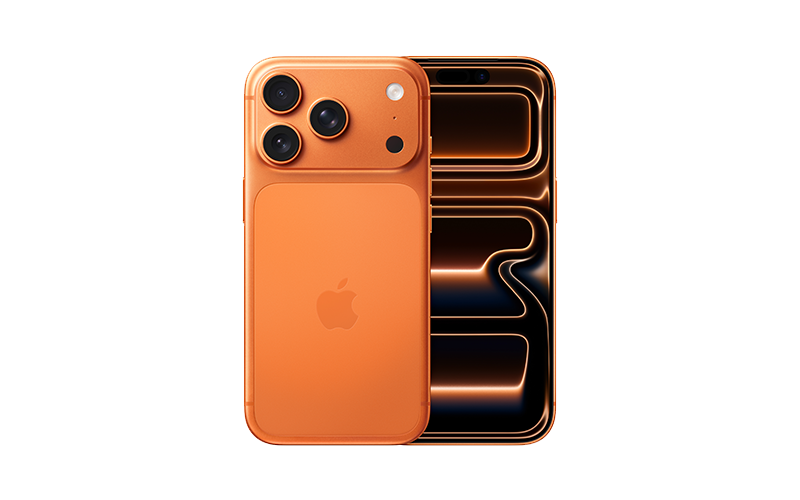
Get iPhone 17 Pro for $0
New & existing customers
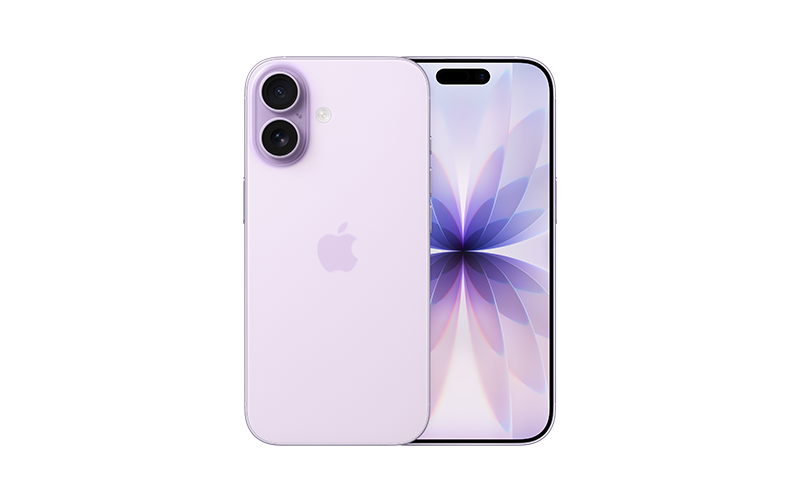
Get iPhone 17 for up to $700 off

Add a new line
Get iPhone 16 for less than $3/mo.
Compare iPhone 17 models
iPhone 17 Pro Max
- 6.9” Super Retina XDR display1
- Ultimate Pro Fusion camera system with all 48MP rear cameras and 8x optical-quality zoom; 18MP Center Stage front camera
- Up to 39 hours video playback2
- A19 Pro chip
- Starting at $1,199.99
iPhone 17 Pro
- 6.3” Super Retina XDR display1
- Ultimate Pro Fusion camera system with all 48MP rear cameras and 8x optical-quality zoom; 18MP Center Stage front camera with Dual Capture video
- Up to 33 hours video playback2
- A19 Pro chip
- Starting at $1,099.99
iPhone Air
- 6.5” Super Retina XDR display1
- 48MP Fusion camera system with 2x optical-quality zoom; 18MP Center Stage front camera with Dual Capture video
- Up to 27 hours video playback2
- A19 Pro chip
- Starting at $999.99
iPhone 17
- 6.3” Super Retina XDR display1
- Advanced 48MP dual Fusion camera system with 2x optical-quality zoom and 48MP Fusion Ultra Wide camera; 18MP Center Stage front camera with Dual Capture video
- Up to 30 hours video playback2
- A19 chip
- Starting at $829.99
¹The display has rounded corners that follow a beautiful, curved design, and these corners are within a standard rectangle. When measured as a standard rectangular shape, the screen is 6.27 inches (iPhone 17, iPhone 17 Pro), 6.55 inches (iPhone Air), or 6.86 inches (iPhone 17 Pro Max) diagonally. Actual viewable area is less.
²All battery claims depend on network configuration and many other factors; actual results will vary. Battery has limited recharge cycles and may eventually need to be replaced. Battery life and charge cycles vary by use and settings.
The world’s best in-ear Active Noise Cancellation
iPhone 16 and iPhone 16 Pro
Hello, Apple Intelligence
How to upgrade to a new iPhone
Trade-in and save
Find out how much you can get for your current phone and get free supplies to ship it to us.
Learn moreGet the latest phone every year with your choice of plan
With AT&T Next Up Anytime, upgrade early without worrying about the remaining balance of your installment plan, guaranteed.
Req. purchase of eligible smartphone on AT&T Installment PlanSM with extra $10/mo. Next Up Anytime feature, qualified credit and elig. svc. Upgrade elig. with qualified turn-in. Max. 3 upgrades in a 12-month period. Limits and restrictions apply.

Shop for your business
with AT&T Premier

Check for eligible discounts
through your employer
iPhone news & guides
Why choose AT&T for the new iPhone 17 Pro Max?

How to save your iPhone battery