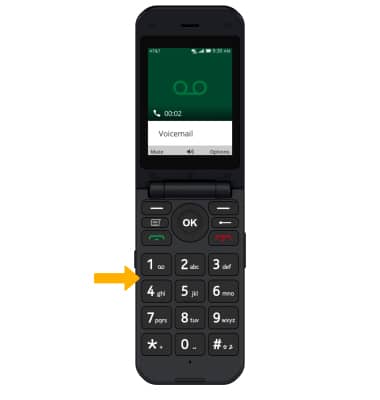
Access Voicemail
Check your voicemail messages.
View Access AT&T Basic Voicemail for tips to manage your voicemail. Go to Troubleshoot Voicemail for solutions to common voicemail problems.
In this tutorial, you will learn how to:
• Access & listen to a voicemail
When a new voicemail is received, the  Voicemail icon will appear in the Notification bar.
Access & listen to a voicemail
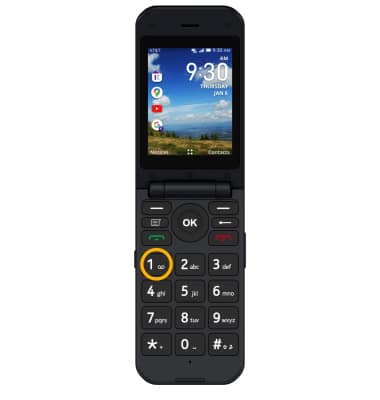
ACCESS: From the home screen, press and hold the 1 button.
Note: To access Voicemail, you must have already Set Up Voicemail.
LISTEN: Use the keypad to enter your current voicemail password.