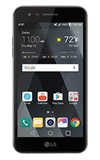
- ACCESS MULTI WINDOW: Select the Recent Apps key, then select the Multi window icon on the desired app.
Note: Upon first access, you will be prompted to review the Use Multi window tutorial. Select NEXT.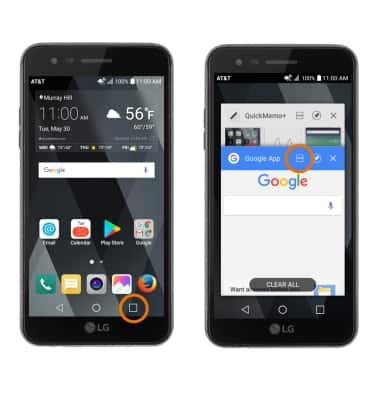
- Select the desired app to open.
Note: For this demonstration, Google app and QuickMemo+ were used.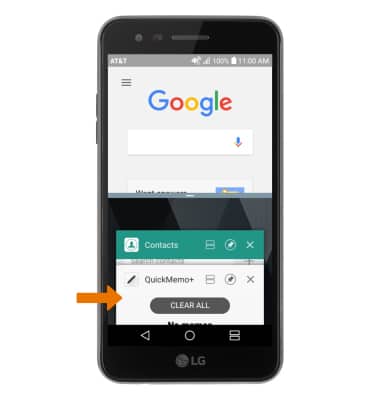
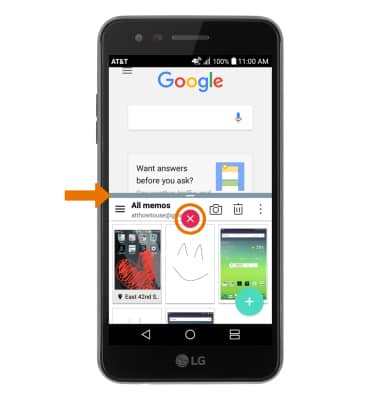
- Select and drag the Blue divider icon to adjust the window size.
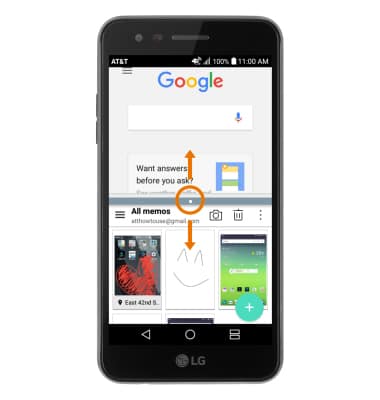
- CLOSE BOTTOM WINDOW: Select the Blue divider icon, then select the X icon.
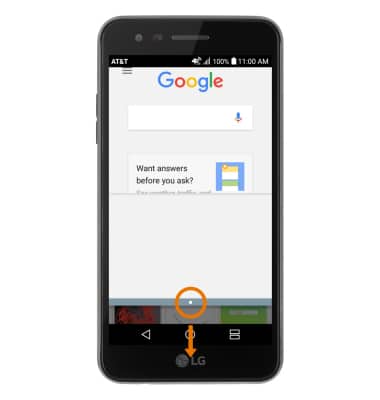
- EXPAND A WINDOW: Select and drag the Blue divider icon to the bottom or top of the screen.
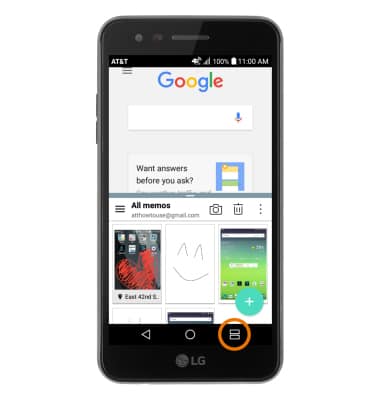
- ACCESS RECENT APPS LIST: Select the Multi Window key.
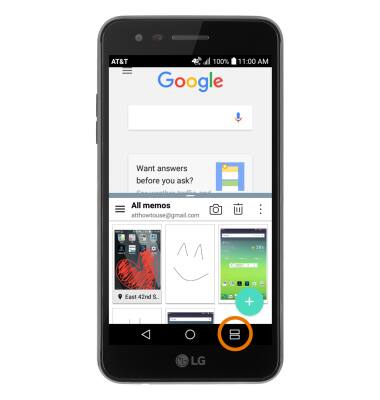
- EXIT MULTI WINDOW: Select and hold the Multi Window key.
Multi Window
LG Phoenix 3 (M150)
Multi Window
The Multi Window feature provides split-screen functionality, which allows you to use two applications at the same time. Complete multiple tasks on one screen; take notes while watching a video, or search the web and check your email messages simultaneously.
INSTRUCTIONS & INFO