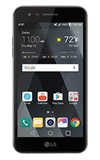
- TAKE A VIDEO: From the home screen, select the Camera app.
Note: The LG Phoenix 3 video camera records in 720p (1280x720) at 30fps.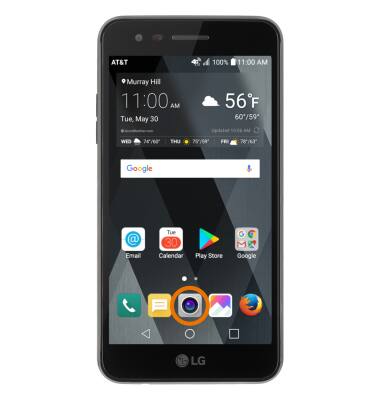
- SWITCH BETWEEN CAMERAS: Select the Change camera icon.
Note: You can also swipe in any direction to quickly switch between the rear and front facing cameras.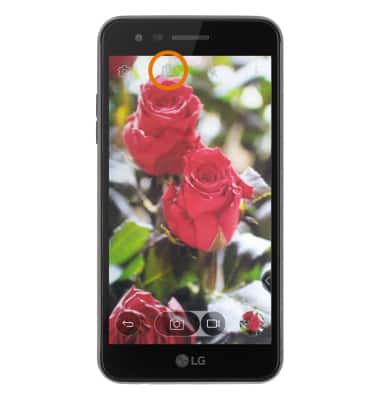
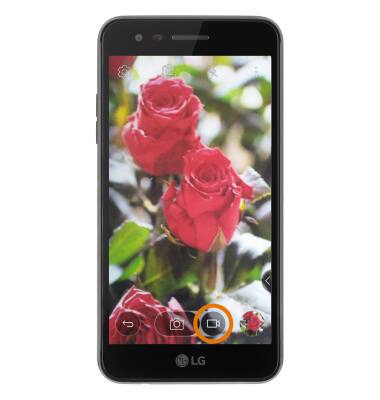
- RECORD A VIDEO: Select the Camcorder icon.
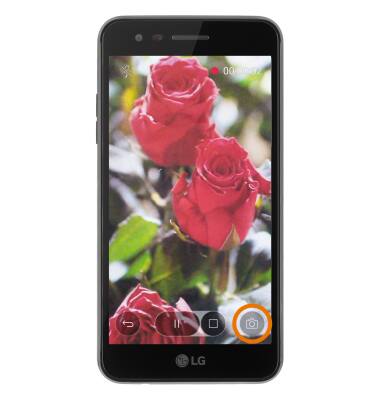
- TAKE A PICTURE WHILE RECORDING: Select the Shutter icon.
- PAUSE/END A RECORDING: Select the Pause icon. Select the Record icon to resume recording. Select the Stop icon to finish recording and save a video.
Note: Your video will automatically be saved to the gallery.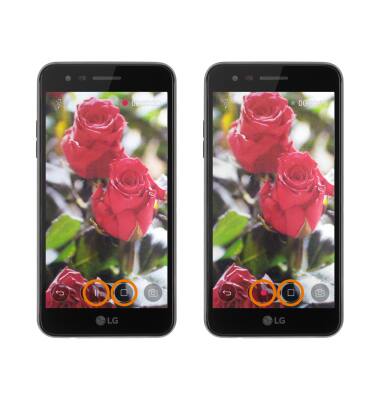
Take a Video
LG Phoenix 3 (M150)
Take a Video
Switch between cameras, record a video, take a picture while recording, pause, or end a recording.
INSTRUCTIONS & INFO