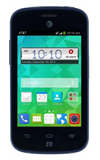
- Remove the Back cover from the device by gently prying it open from the slot.
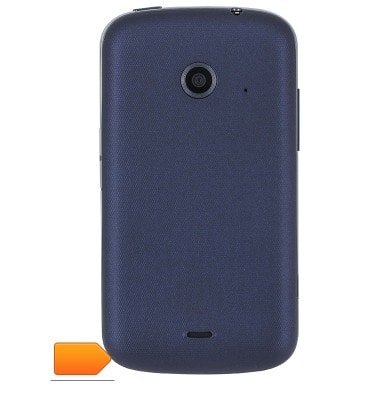
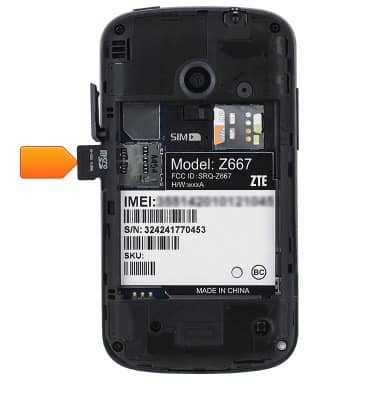
- With the metal contacts facing down, insert the Micro-SIM card into the SIM card slot.
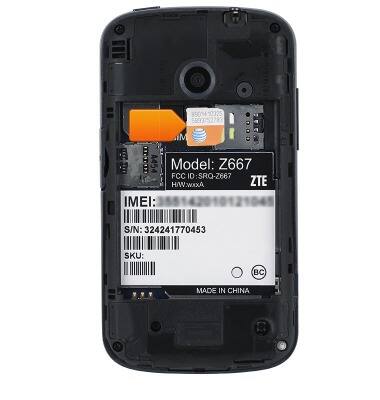
- Open the microSD card slot located on the side of the device.
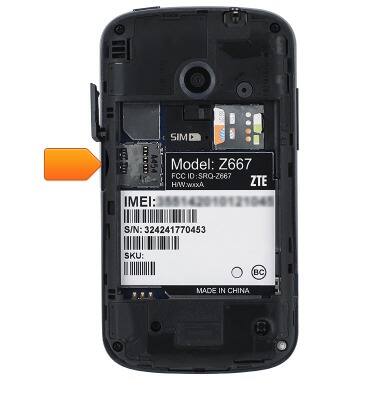
- Insert the microSD card into the microSD card slot, making sure the gold contacts are facing down.
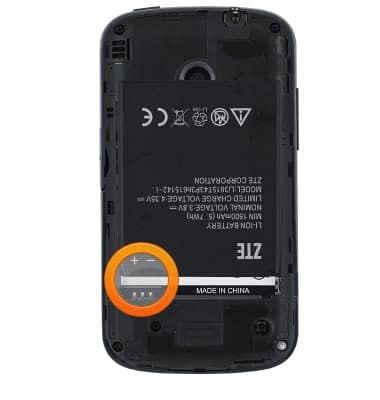
- Align the metal contacts and slide the Battery into the Battery slot.
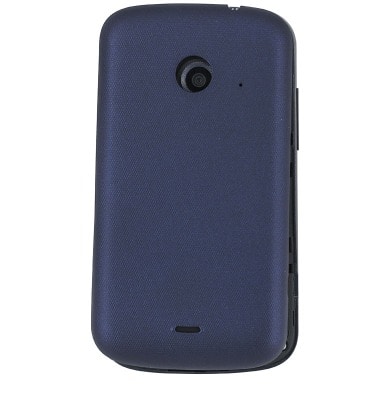
- Replace the Back cover and press firmly into place.
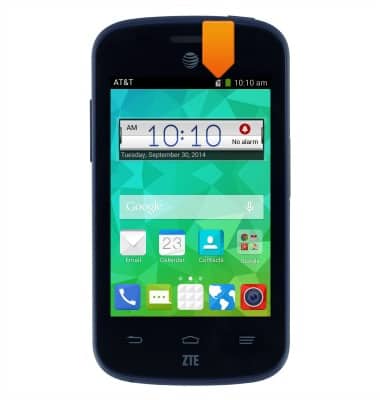
- If a microSIM card is not in the device, the Missing SIM alert will display in the Notifications bar.
Phone assembly
AT&T Z667
Phone assembly
How to install the battery, SIM, and memory card (for applicable devices).
INSTRUCTIONS & INFO