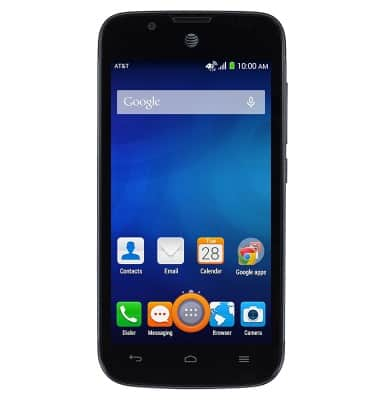
- From the home screen, tap the Apps icon.
- Swipe to, then tap Play Music.
Note: You must have a Google account to use Play Music.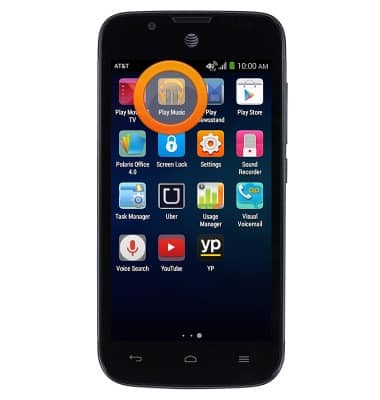
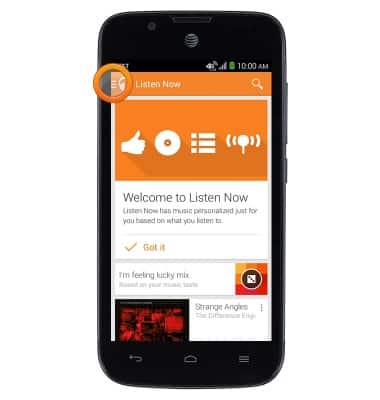
- Tap the Listen Now Menu icon.
- Tap My Library.
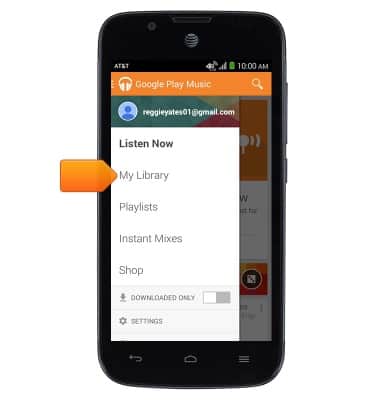
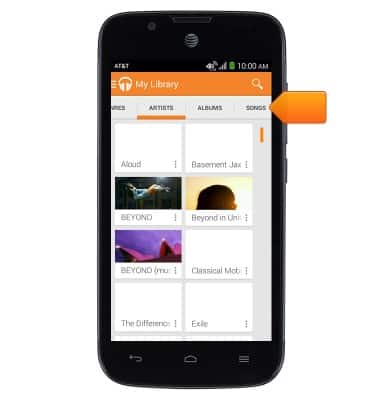
- Tap SONGS.
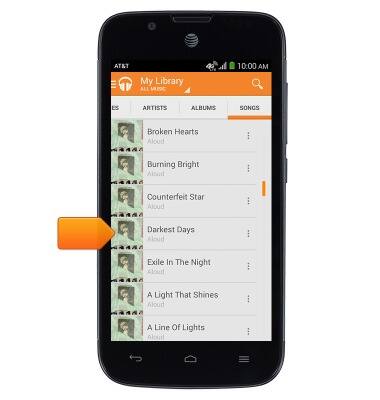
- Tap the desired song.
- Tap the Now Playing bar to gain access to music controls.
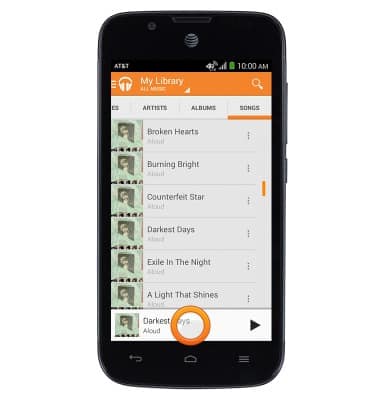
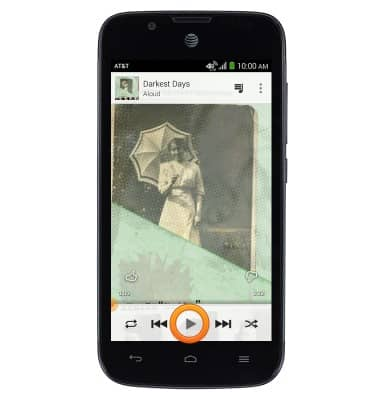
- Tap the Play icon to play the selected track.
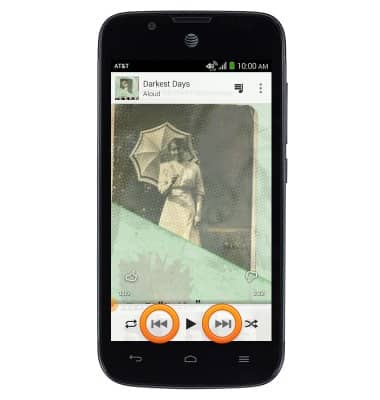
- Tap the Seek icons to skip forwards and backwards between tracks. Touch and hold the Seek icons to fast forward and rewind.
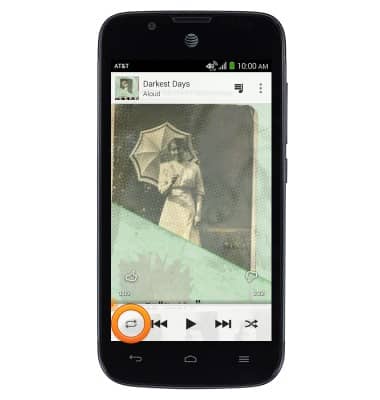
- Tap the Repeat icon to repeat the current song, or album.
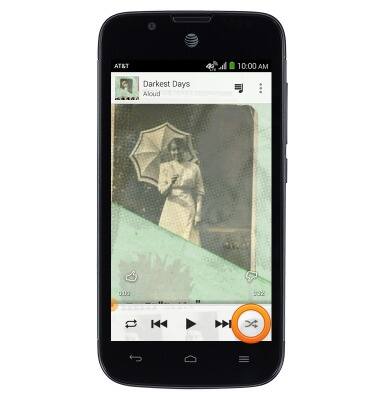
- Tap the Shuffle icon to shuffle songs
- Tap the Music icon to view your music library.
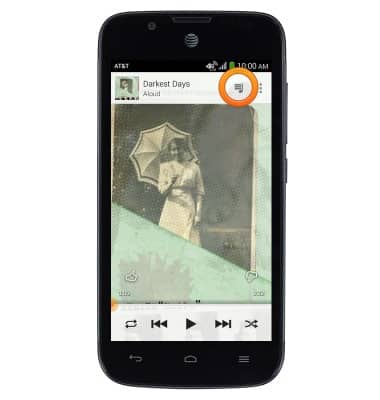
- While music is playing, the Google Play Music icon will be displayed in the notifications bar.
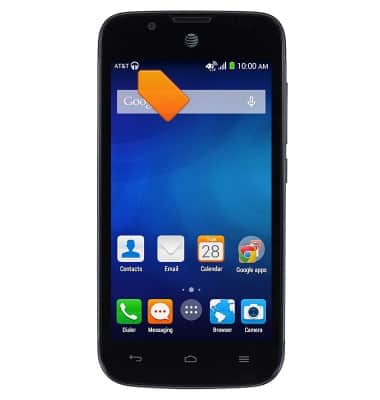
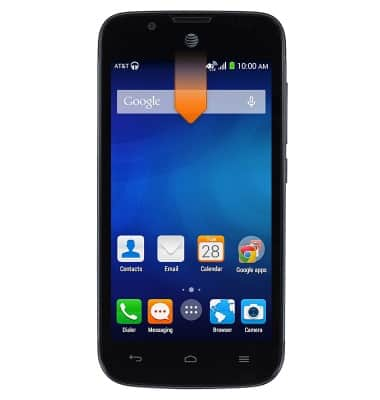
- To turn off the music player, swipe down from the top of the screen.
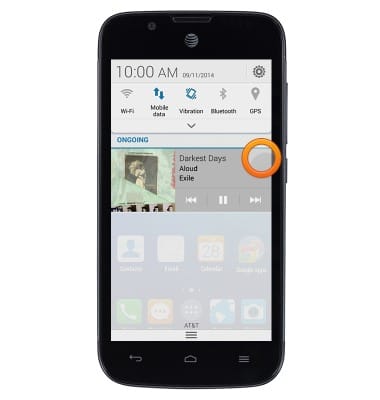
- Tap the X to close the music player.
Play music
AT&T Fusion 3 (Y536A1)
Play music
Play music, turn the music player off.
INSTRUCTIONS & INFO