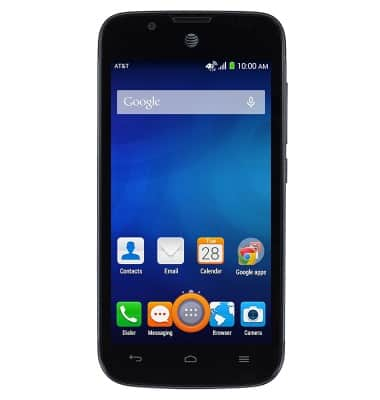
- From the home screen, tap the Apps icon.
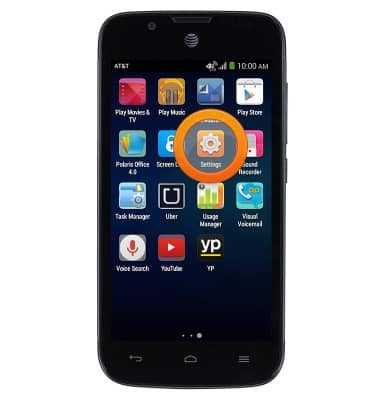
- Swipe to, then tap Settings.
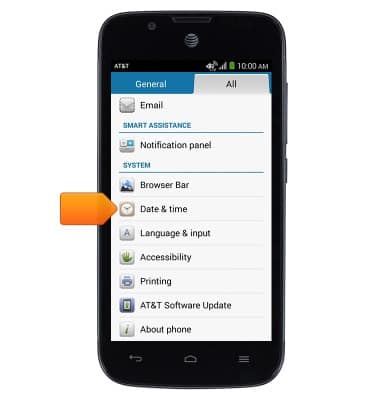
- Scroll to, then tap Date & time.
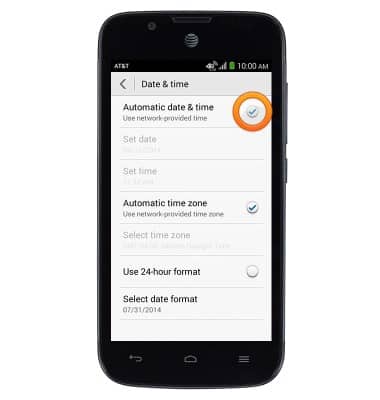
- Tap the Automatic date & time tickmark to disable automatic date and time.
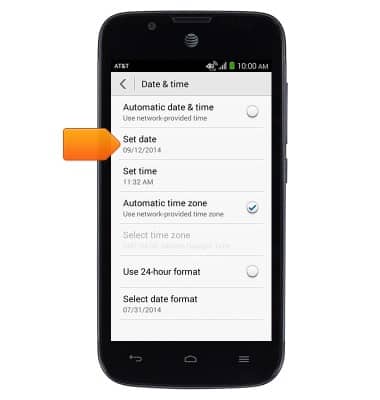
- Tap Set date.
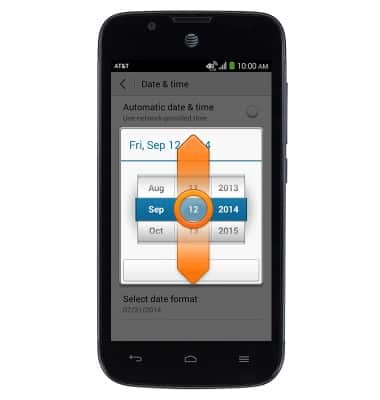
- Touch, then drag the Date Reels to set the desired month, day, and year.
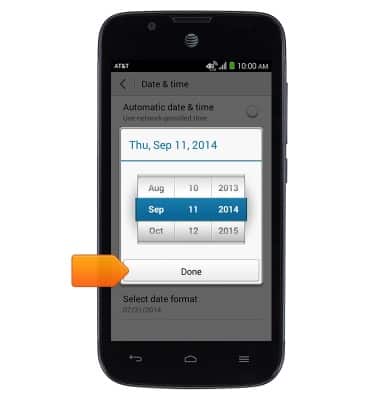
- Tap Done.
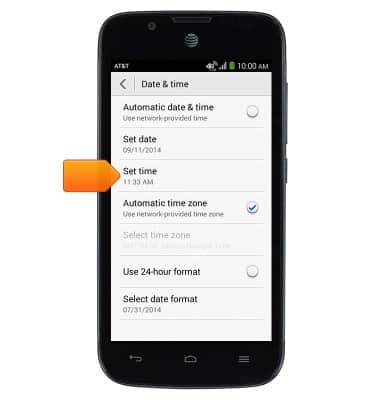
- Tap Set time.
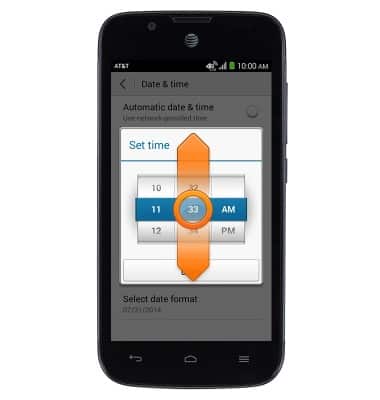
- Touch, then drag the Time Reels to set the desired hour, minute, and AM/PM.
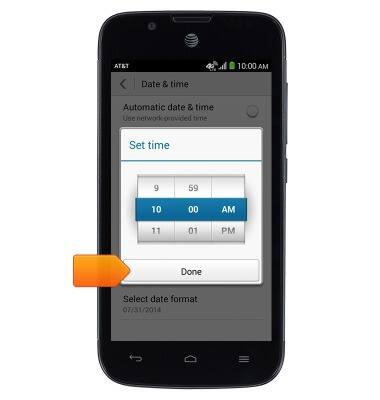
- Tap Done.
Date & time
AT&T Fusion 3 (Y536A1)
Date & time
Set the date & time.
INSTRUCTIONS & INFO