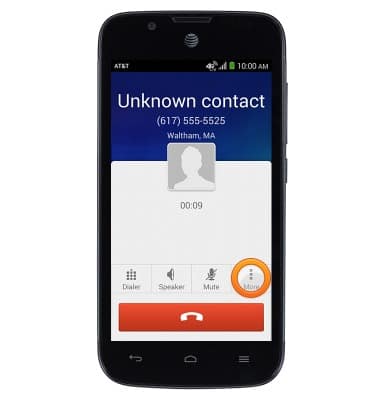
- To make a 3-way call, while in a call, tap More.
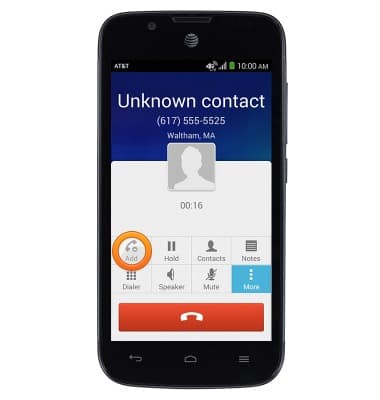
- Tap Add.
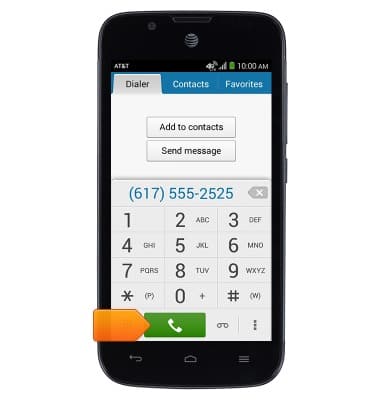
- Tap to enter the desired number.
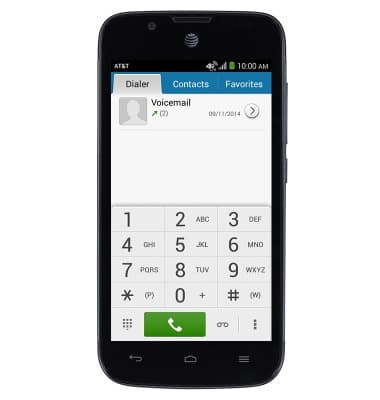
- Tap the Call icon.
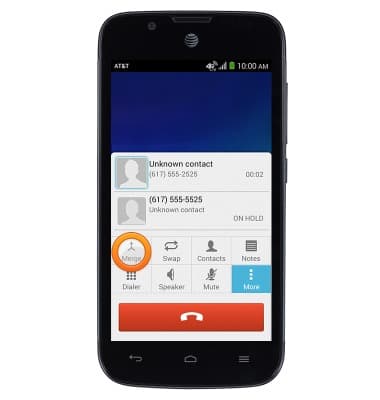
- Tap Merge to merge your calls.
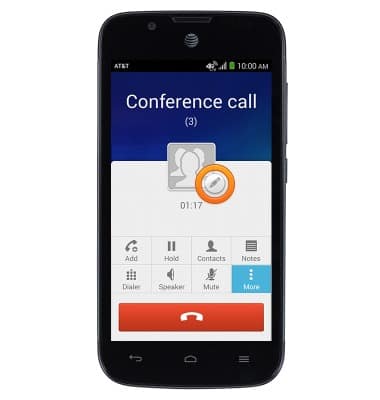
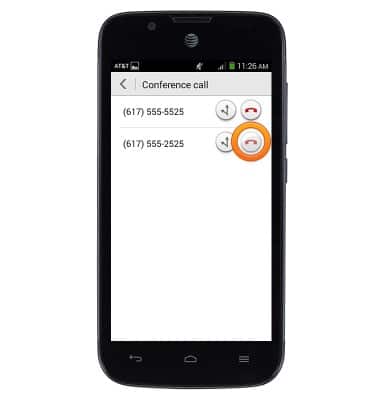
- Tap the Edit icon to manage the calls.
- Tap the Split icon next to the desired call to split it.
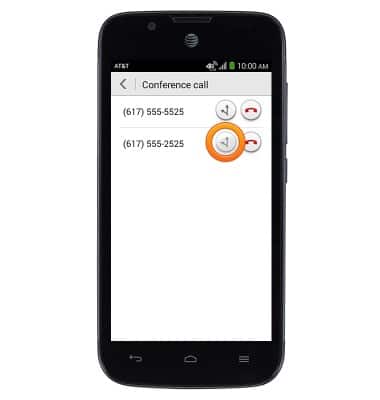
- Tap the End Call icon next to the desired call to end it.
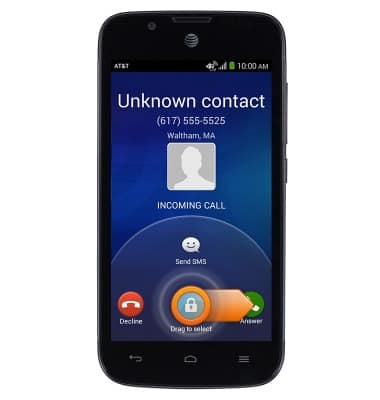
- To answer call waiting, touch, then drag to the right to answer the incoming call.
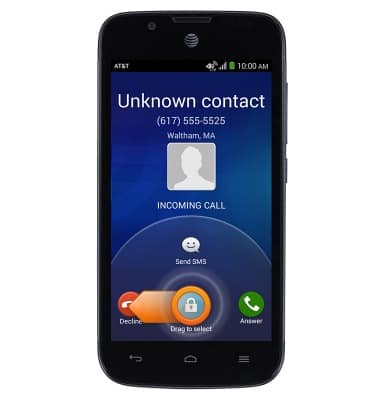
- Touch, then drag to the left to decline the incoming call.
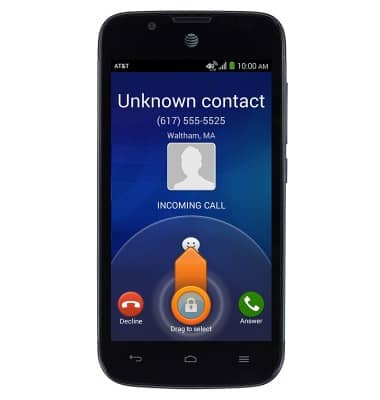
- Touch then drag up to ignore the call with a text message.
Conference calling
AT&T Fusion 3 (Y536A1)
Conference calling
Add another person to your call, merge calls, place someone on hold and more.
INSTRUCTIONS & INFO