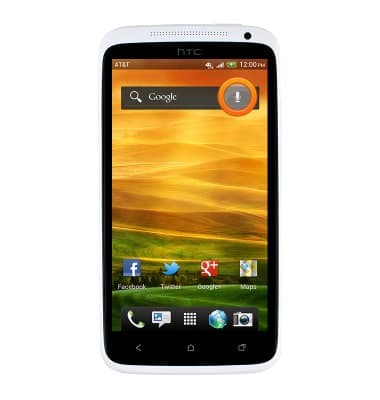
- From the home screen, swipe to and tap the Microphone icon.
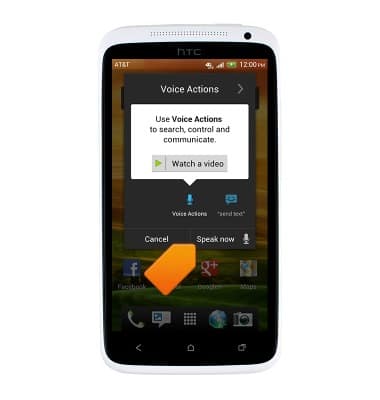
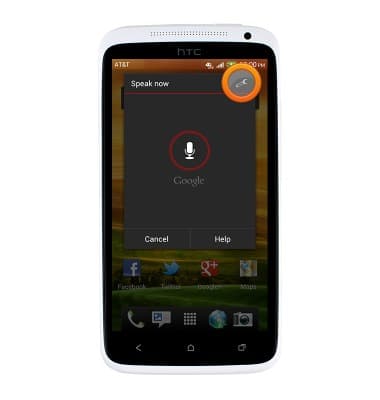
- Tap Speak now, then say one of the suggested commands.
- Additionally, to access voice command settings, tap Speak now.
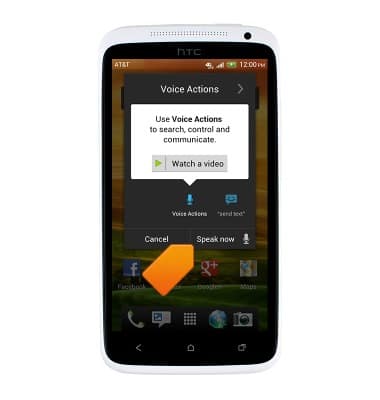
- Tap the Settings icon.
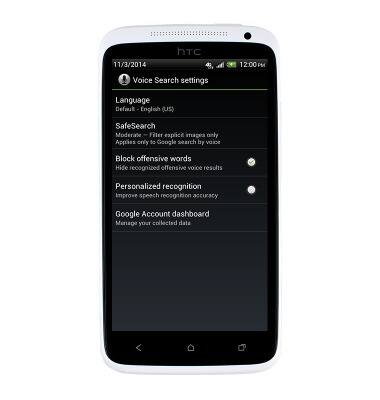
- Voice Commands settings will be displayed.
Voice control
HTC One X (PJ83100)
Voice control
Use voice commands to control your device and access voice control settings.
INSTRUCTIONS & INFO