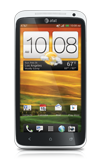
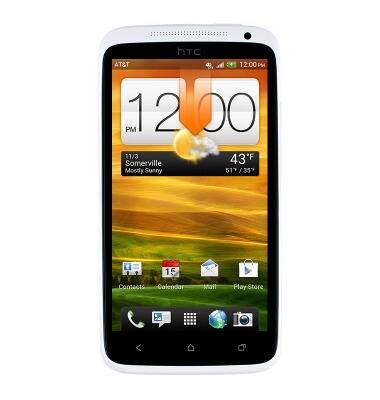
- From the home screen, swipe down the Notifications bar.
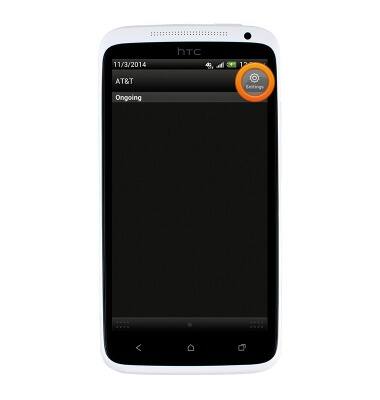
- Tap Settings.
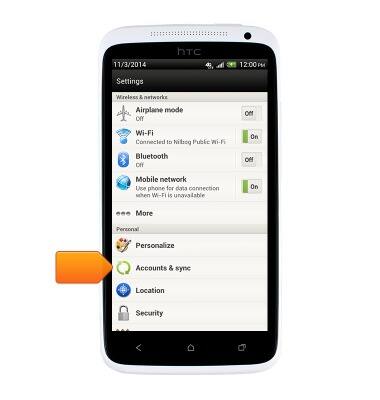
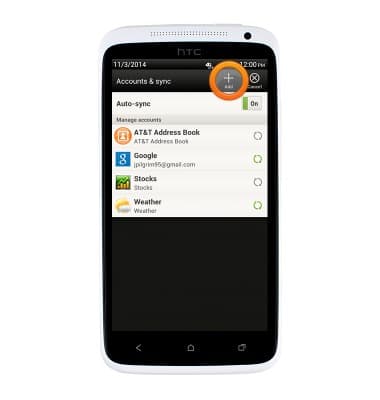
- Tap Accounts & sync.
- Tap Add.
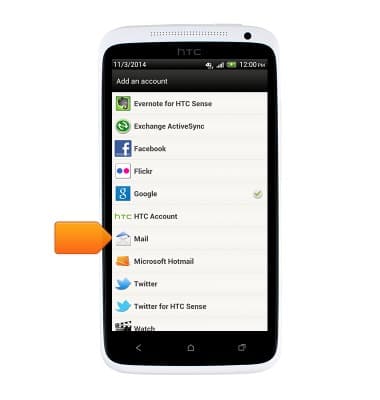
- Tap Mail.
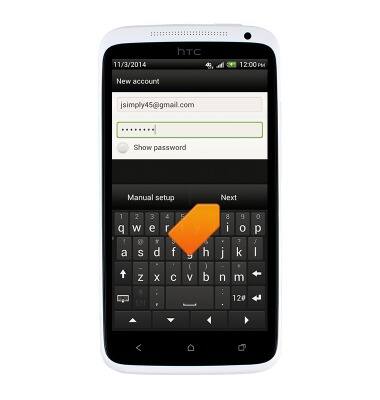
- Enter the desired email account name and the name you want displayed on outgoing messages, and then tap Next.
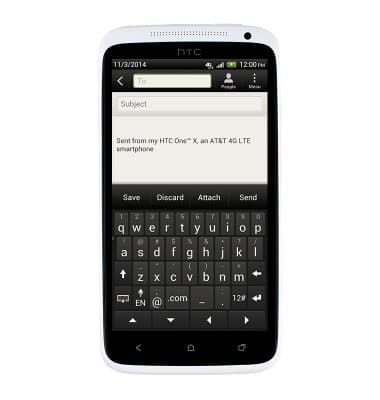
- To confirm that email setup has been successful, test by sending an email.
Set up personal email
HTC One X (PJ83100)
Set up personal email
Add your personal email accounts so you can read and send email on your device.
INSTRUCTIONS & INFO