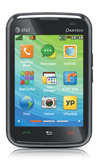
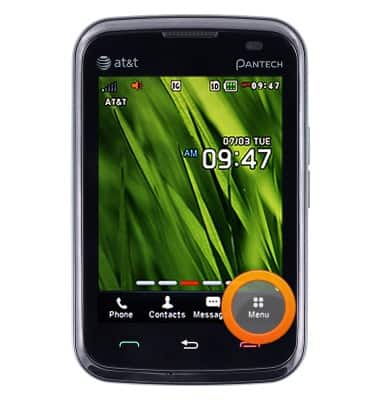
- From the Home Screen, tap Menu.
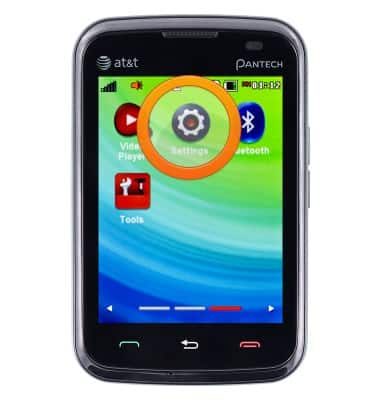
- Scroll to then tap Settings.
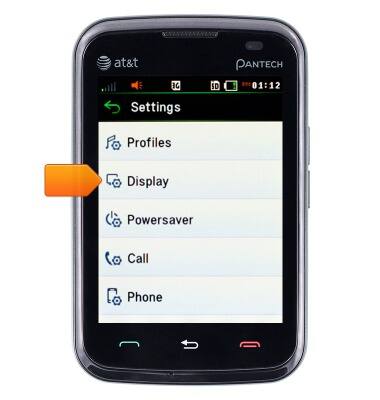
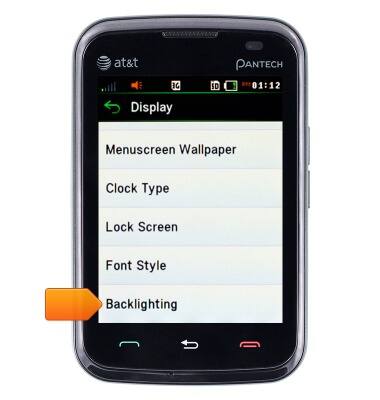
- Scroll to then tap Display.
- Scroll to then tap Backlighting.
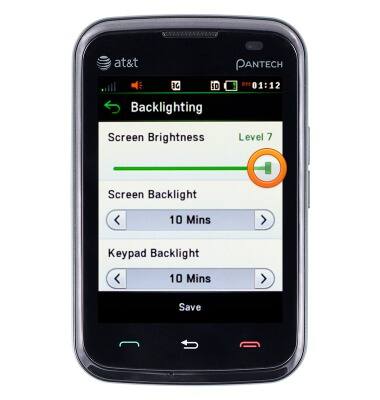
- Touch and drag the Screen Brightness slider as desired.
Display
Pantech Renue (P6030)
Display
Adjust the brightness manually or enable the automatic feature to give you the best brightness setting. Increasing your brightness will decrease the battery life, and vice versa if the brightness is low.
INSTRUCTIONS & INFO