
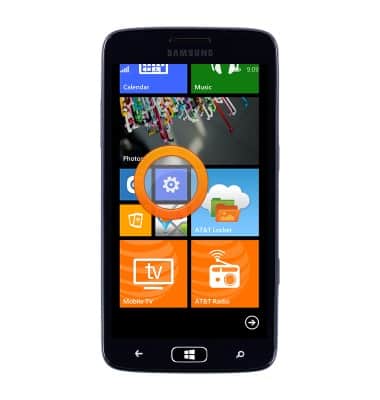
- From the Start screen, scroll to, then tap the Settings icon.
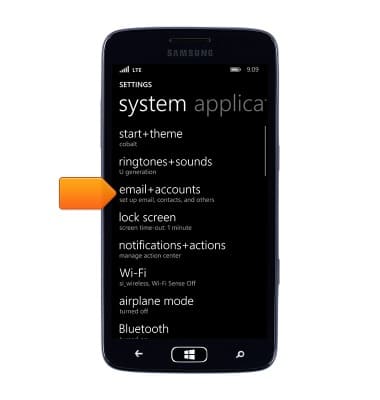
- Tap email+accounts.
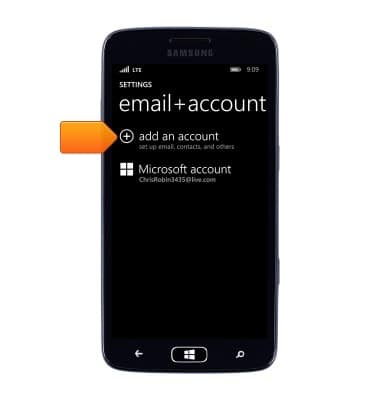
- Tap add an account.
- Tap the desired email account.
Note: This tutorial selects 'Outlook.com'.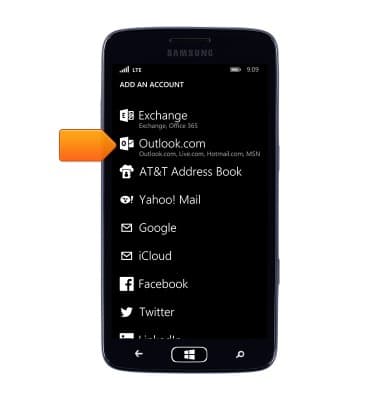
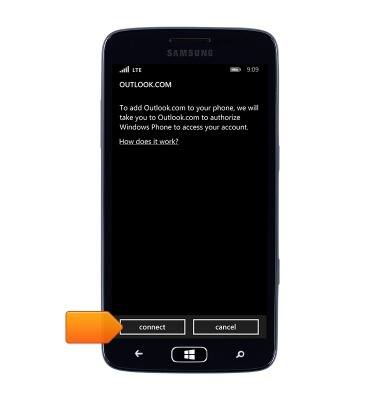
- Tap connect.
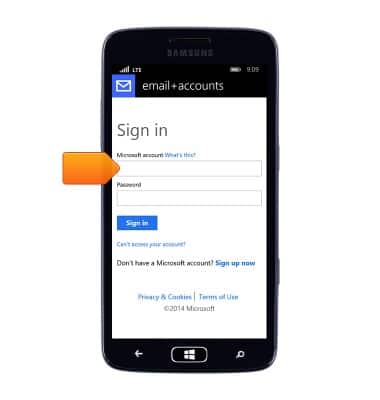
- Tap the Microsoft account field, then enter the desired email address.
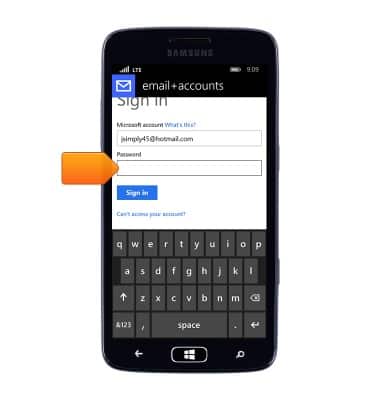
- Tap the Password field, then enter the required account password.
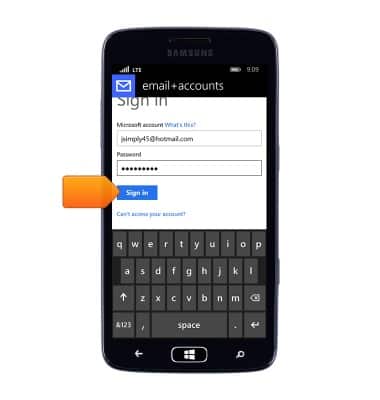
- Tap Sign in.
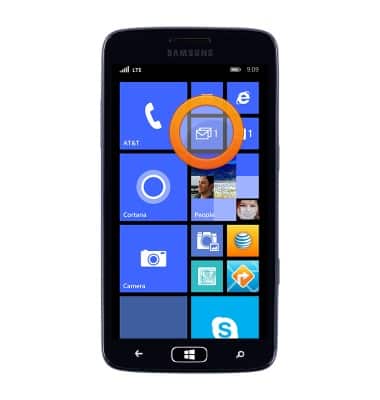
- The New email notification icon will be displayed when a new email is received.
Set up personal email
Samsung ATIV S Neo (I187)
Set up personal email
Add your personal email accounts so you can read and send email on your device.
INSTRUCTIONS & INFO