
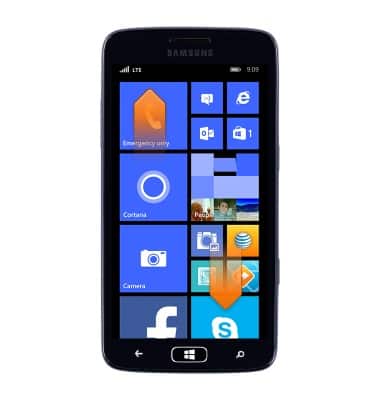
- Scroll up or down to access more apps.
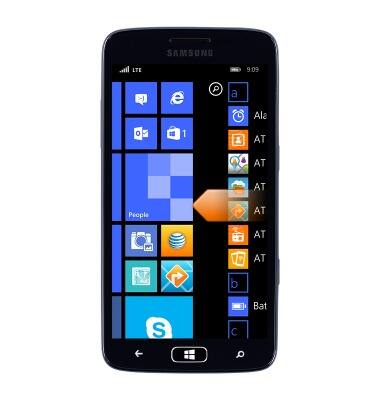
- Swipe from the right to access a list of installed apps.
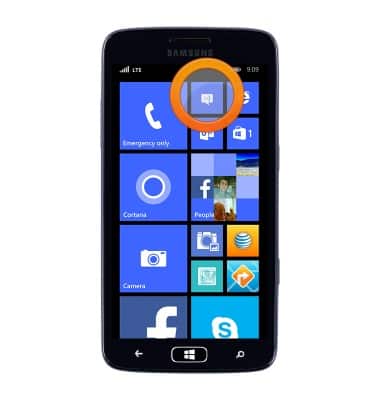
- To open, tap the desired app.
- Touch and drag the desired app to a new location.
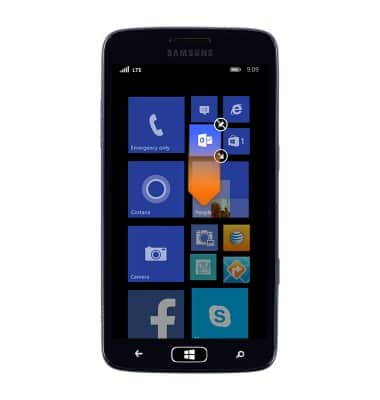
- Tap the Unpin icon to remove the app from the Start screen.
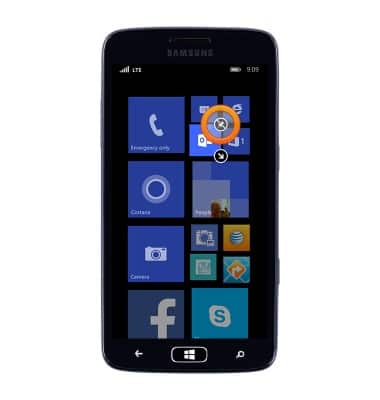
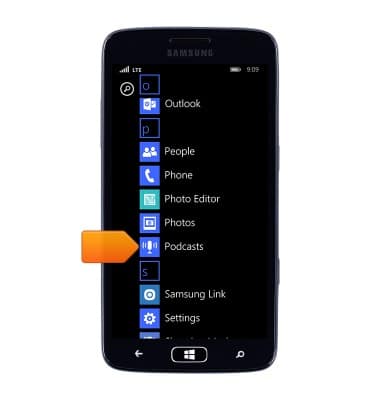
- To add an app to the Start screen, from the Apps list, scroll to, then touch and hold the desired app.
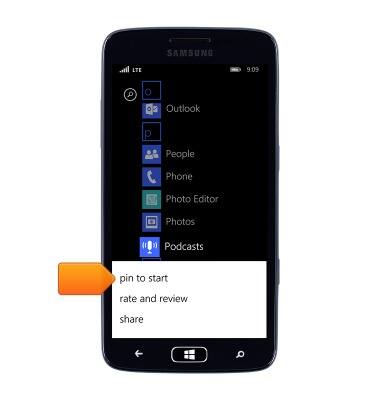
- Tap pin to start.
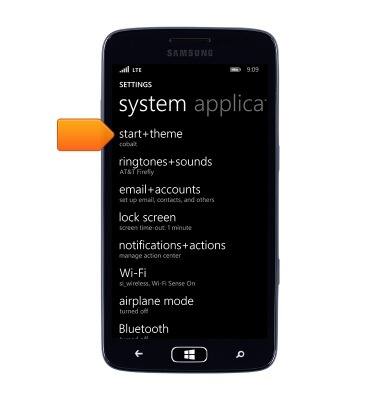
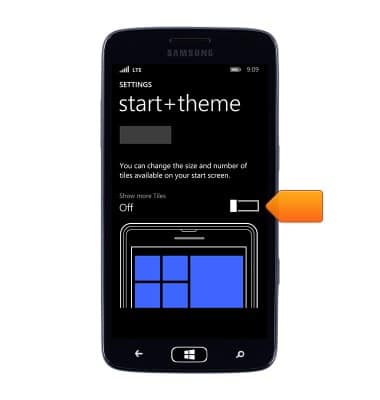
- To change from 2 columns to 3, from Settings, tap Start+theme.
- Scroll to, then tap the Show more Tiles switch to On.
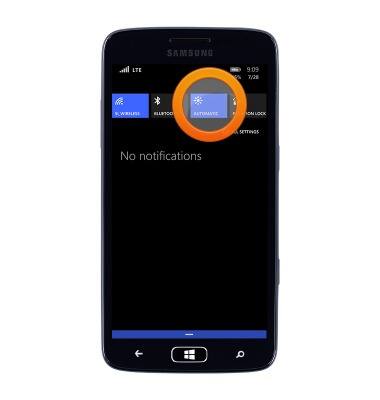
- To adjust the screen brightness, from the Quick settings menu, tap the Screen brightness icon to switch between automatic, low, medium or bright.
Learn & customize the home screen
Samsung ATIV S Neo (I187)
Learn & customize the home screen
Add shortcuts and widgets, access the notification panel, changing wallpaper, and more.
Use the home screen
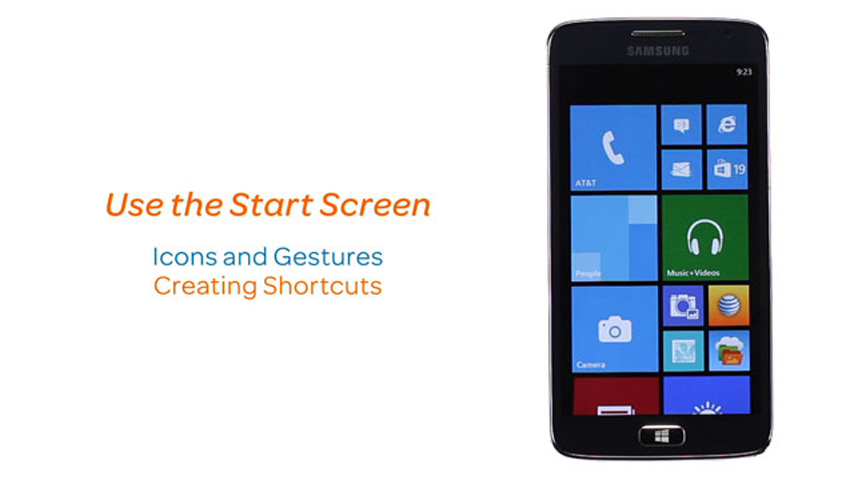
This video explains how to navigate and customize the home screen on your device.
Use the home screen
1:39
INSTRUCTIONS & INFO