
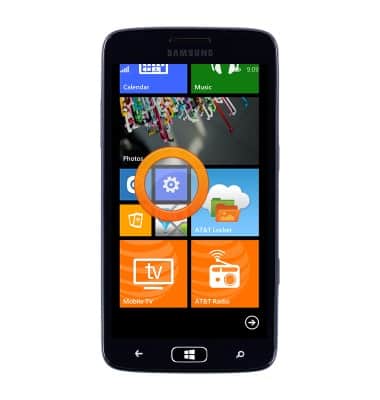
- From the Start screen, scroll to, then tap the Settings icon.
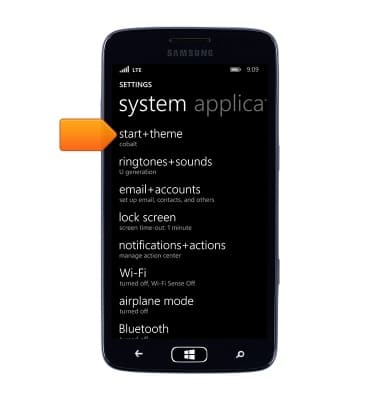
- To change the screen orientation, tap start+theme.
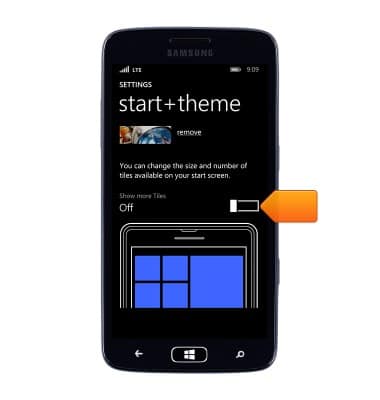
- Tap the Show more Tiles switch.
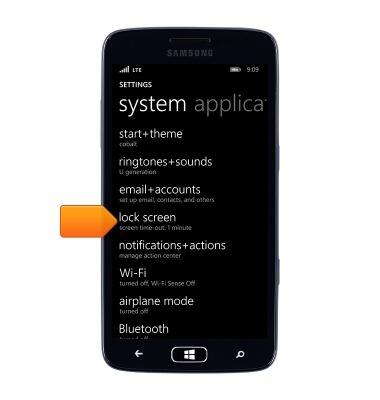
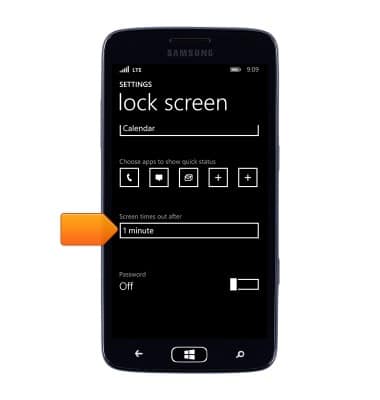
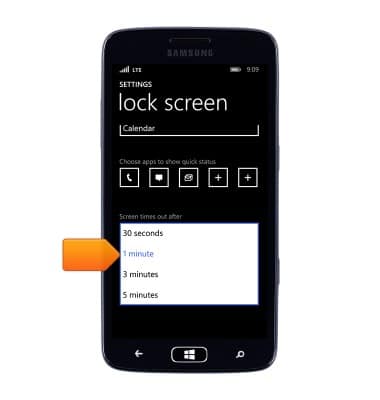
- To change the screen timeout, from SETTINGS, tap lock screen.
- Scroll to, then tap the Screen times out after field.
- Tap the desired option.
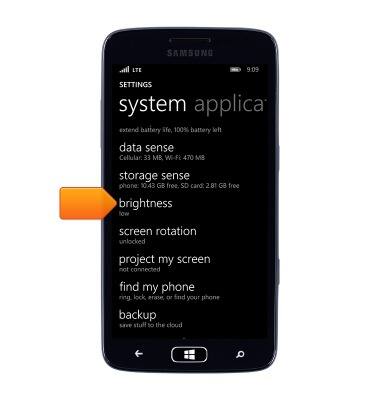
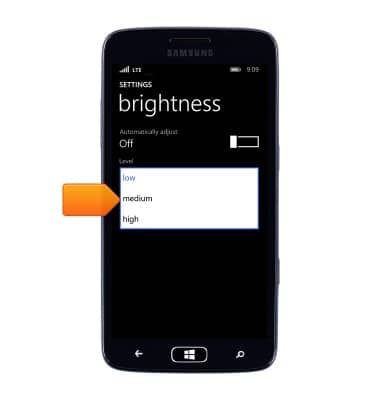
- To change the screen brightness, from SETTINGS, scroll to, then tap brightness.
- Ensure that Automatically adjust is turned Off, then tap the Level field.
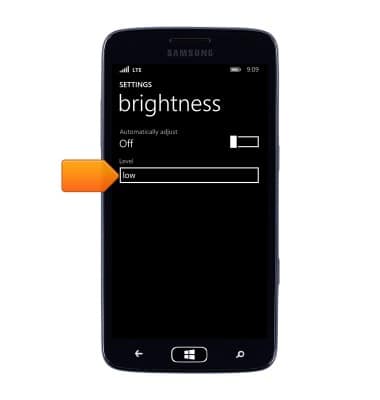
- Tap the desired option.
Display
Samsung ATIV S Neo (I187)
Display
Change the display time out, brightness and orientation.
INSTRUCTIONS & INFO