
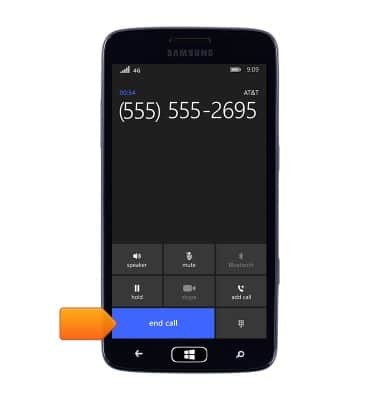
- Press the Volume keys to adjust the volume.
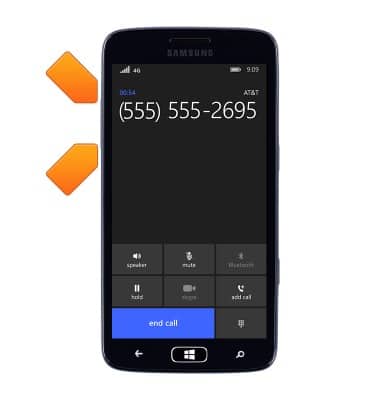
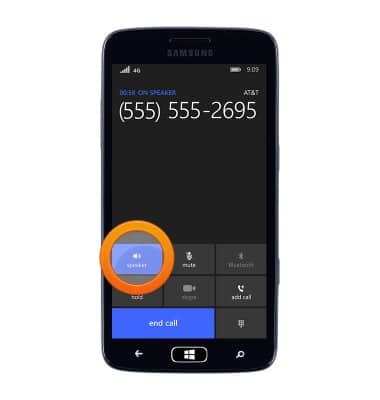
- Tap speaker to turn speakerphone on or off.
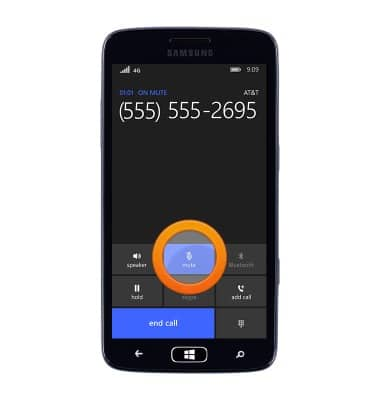
- Tap mute to turn mute on or off.
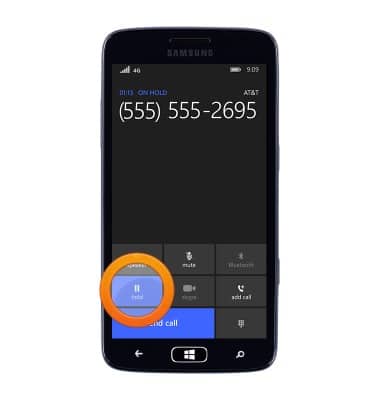
- Tap hold to put the call on hold.
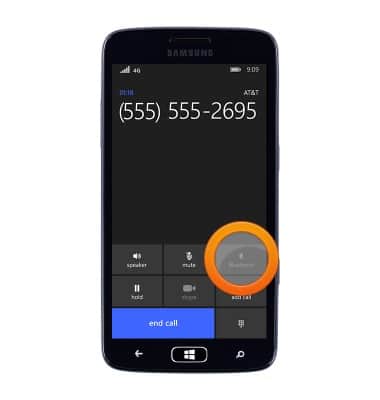
- Tap Bluetooth to connect to a Bluetooth device.
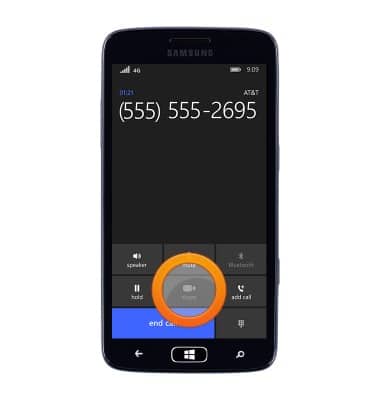
- Tap skype to begin a Skype call.
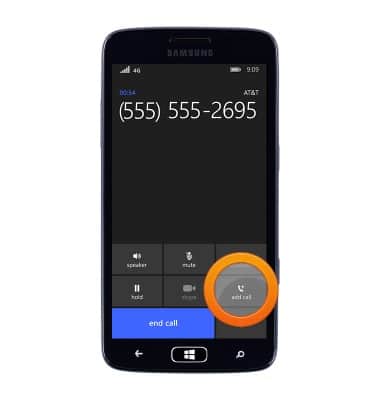
- Tap add call to begin a conference call.
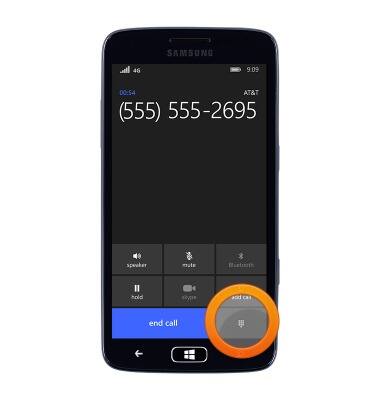
- Tap the Dialpad icon to access the dialpad.
- Tap end call to end the call.
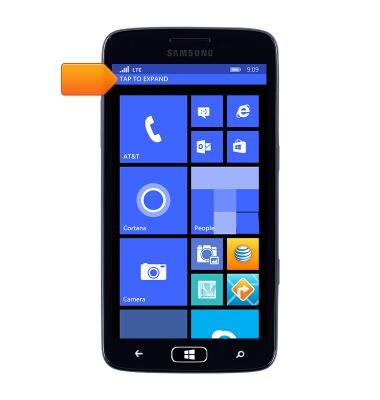
- Tap TAP TO EXPAND to return to the call from the home screen.
In-call options
Samsung ATIV S Neo (I187)
In-call options
Learn what features are available while on an active call.
Phone Calls
This video explains how to use the device's phone features.
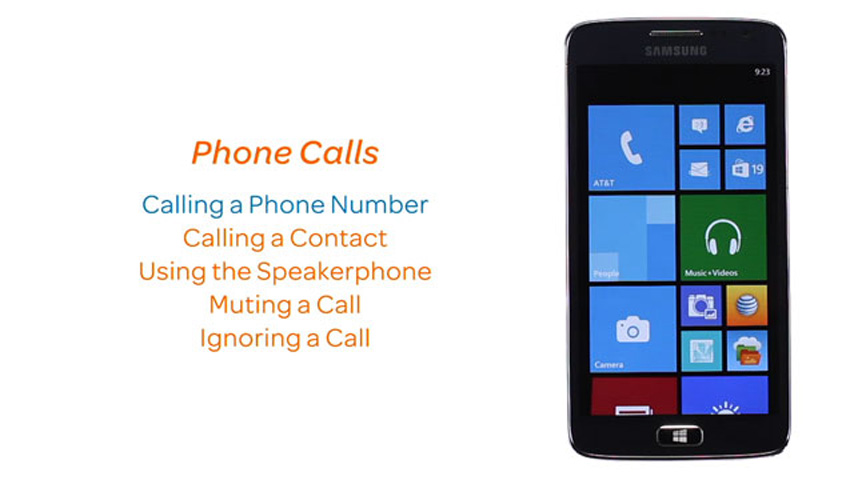
Phone Calls
1:25
INSTRUCTIONS & INFO