
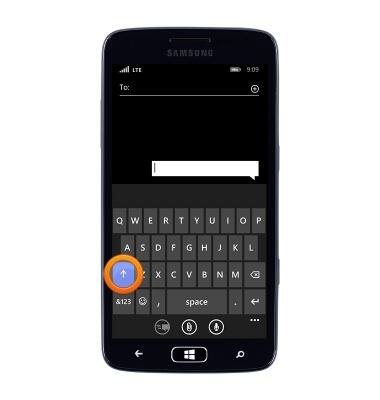
- Tap the Shift icon to capitalize the first letter.
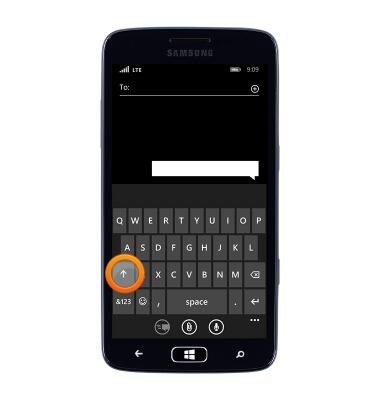
- Touch and hold the Shift icon to enable caps lock.
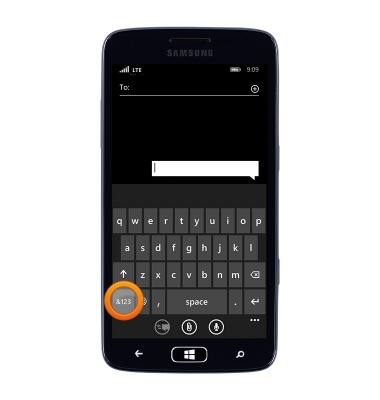
- Tap &123 to access numbers.
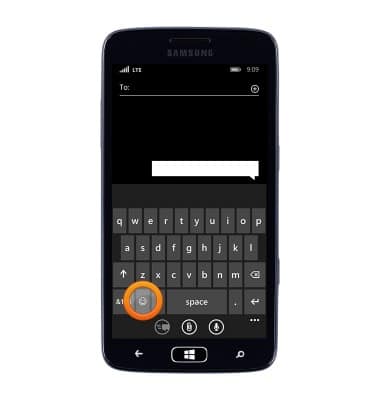
- Tap the Symbols icon to access emoticons.
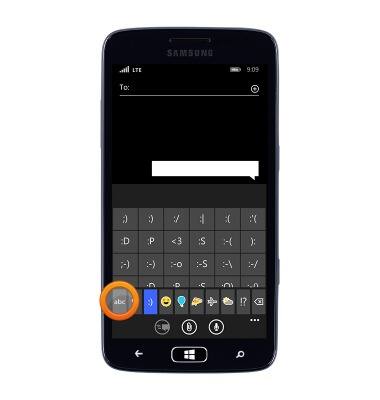
- Tap abc to return to letters.
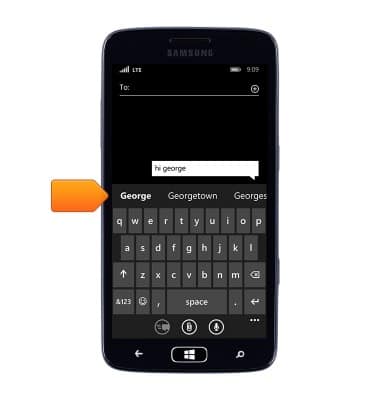
- When typing, the Suggestion bar will be displayed. Tap the desired suggestion.
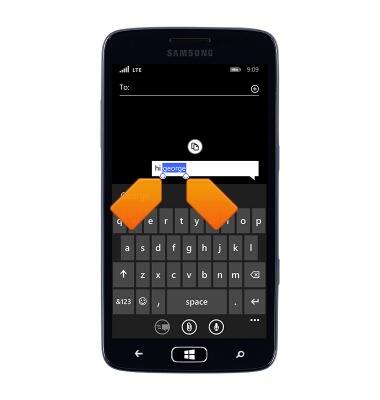
- To copy text, tap the desired text, then touch and drag the Blue marker icons to adjust the highlighted text.
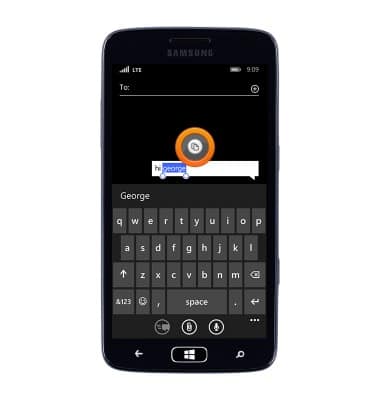
- Tap the Copy icon.
- Tap the desired text field, then tap the Paste icon.
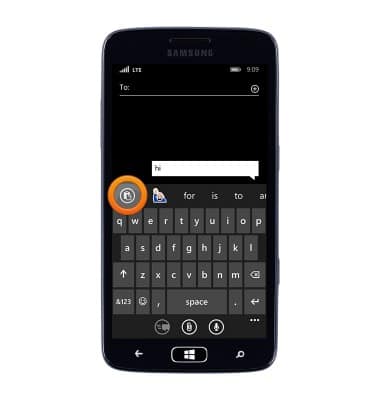
- Tap the Microphone icon to use speech-to-text.
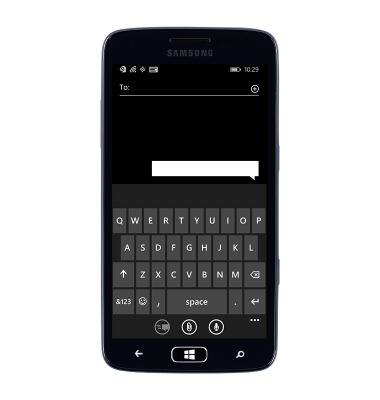
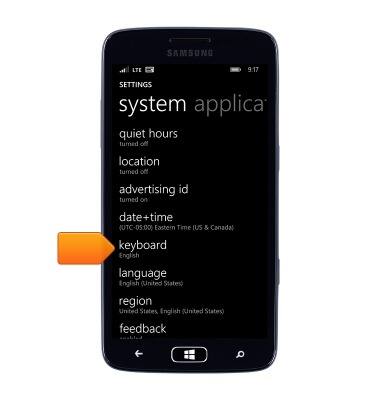
- To change the keyboard settings, from the Start screen Swipe from the right and then tap Settings > keyboard.
Keyboard & typing
Samsung ATIV S Neo (I187)
Keyboard & typing
How to use the keyboard, use speech-to-text, access keyboard settings, and more.
INSTRUCTIONS & INFO