
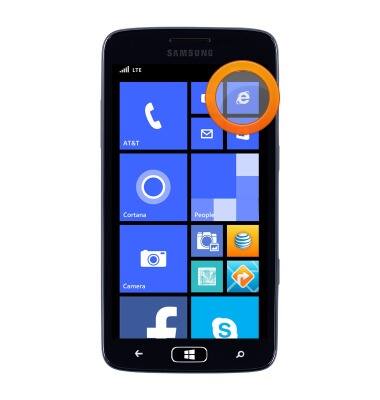
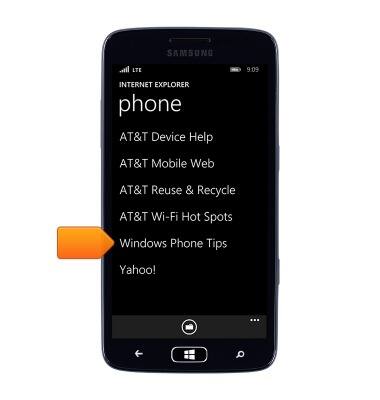
- From the Start screen, tap the Browser icon.
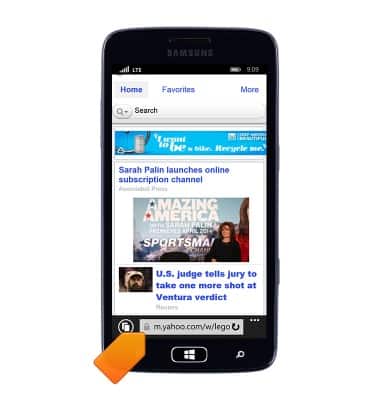
- Tap the URL field, then enter the desired web address.
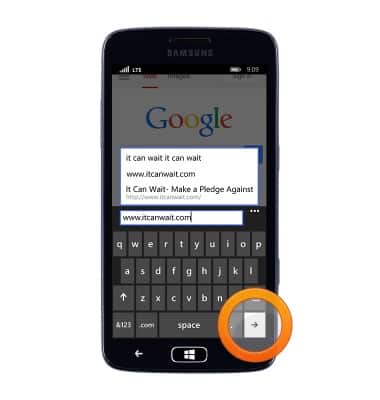
- Tap the Go icon.
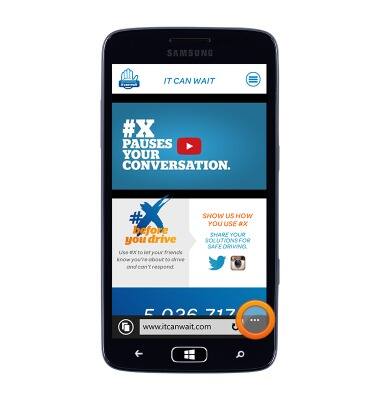
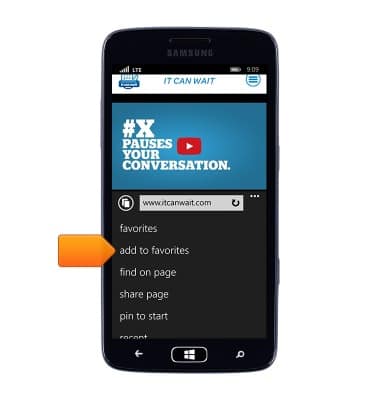
- To add a bookmark, tap the More icon.
- Tap add to favorites.
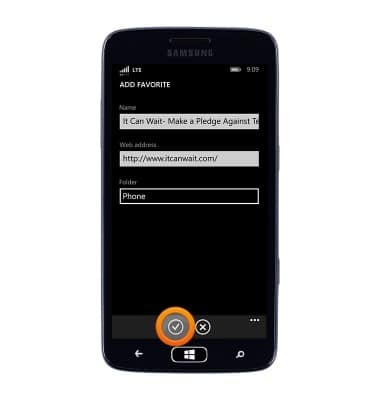
- Tap the Checkmark icon.
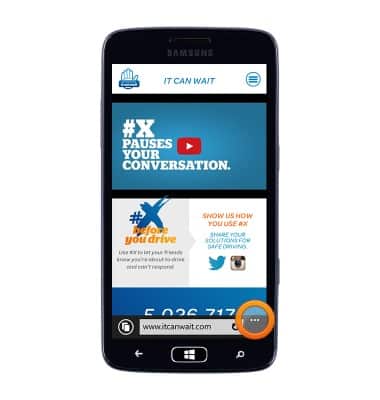
- To access saved bookmarks tap the More icon.
- Tap favorites.
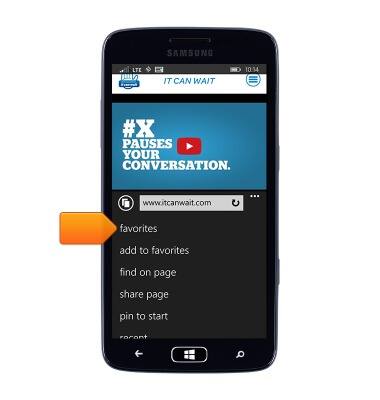
- Tap the desired bookmark.
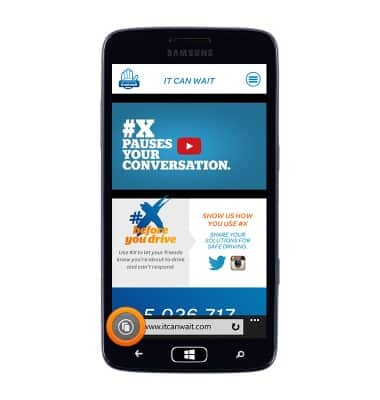
- To view open browsers, tap the Tabs icon.
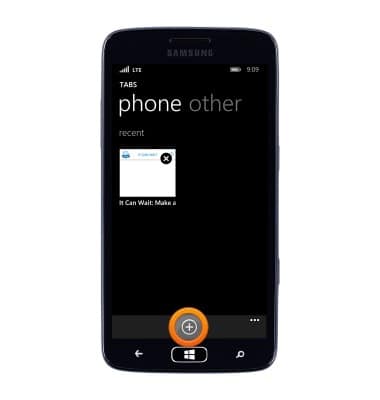
- Tap the + icon to open a new tab.
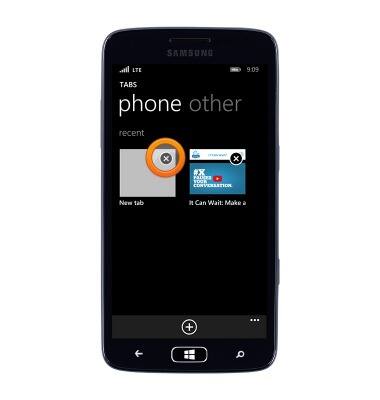
- Tap the X icon to close a tab.
Browse the web
Samsung ATIV S Neo (I187)
Browse the web
Learn to browse the web and manage tabs and bookmarks.
INSTRUCTIONS & INFO