
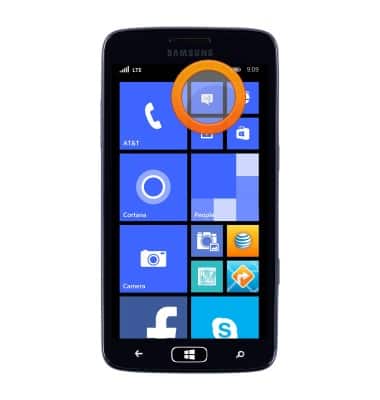
- From the Start screen, tap the Messaging icon.
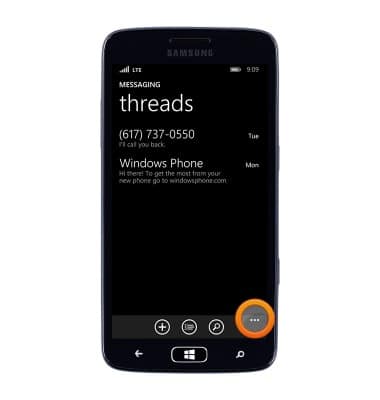
- Tap the More icon.
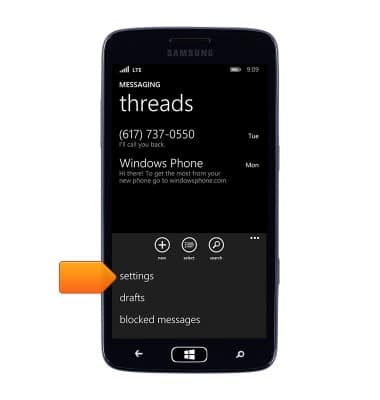
- Tap settings.
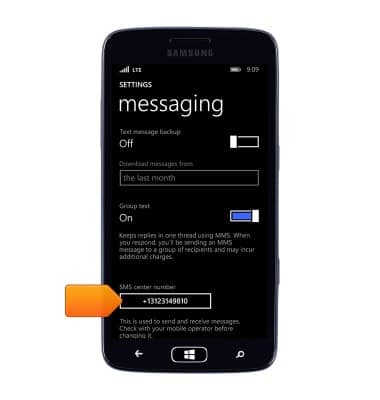
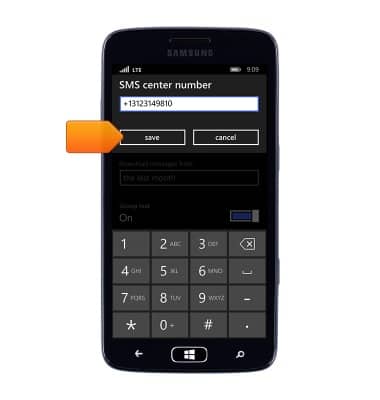
- The settings will be displayed. To change the message center number, tap the SMS center number field.
- Enter the desired number, then tap save.
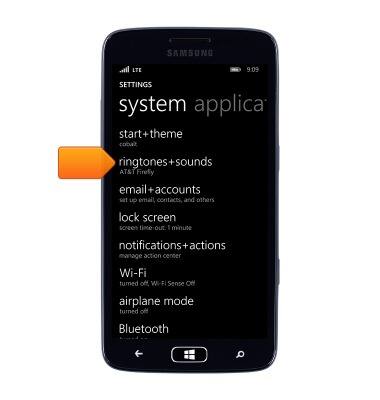
- To change the message notifications, from settings, tap ringtones+sounds.
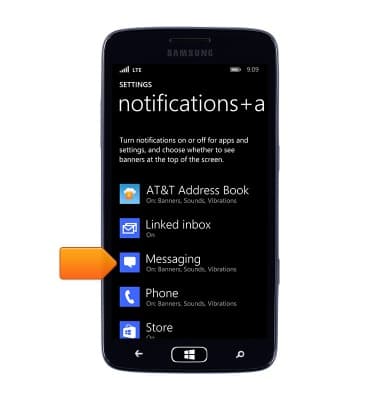
- Tap Messaging.
- Tap the Notification sound field.
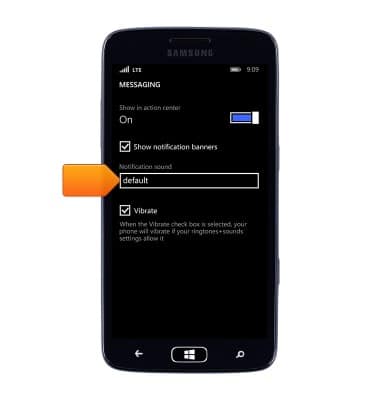
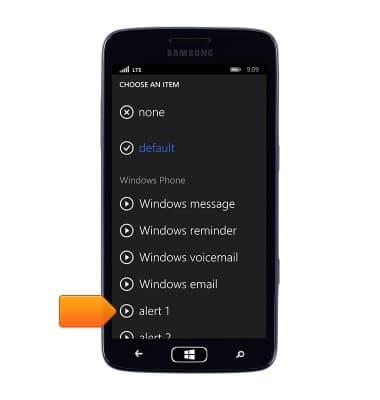
- Scroll to, then tap the desired alert.
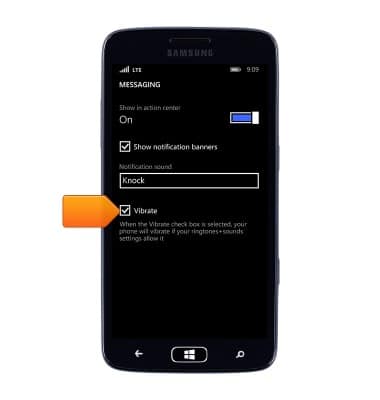
- Tap Vibrate to turn Vibrate off or on.
Messaging settings
Samsung ATIV S Neo (I187)
Messaging settings
Set text (SMS) and picture (MMS) message alerts, limits, display options and more.
INSTRUCTIONS & INFO