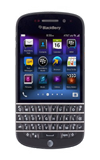
- From the home screen, swipe down from the top of the screen to reveal the Device Settings menu.

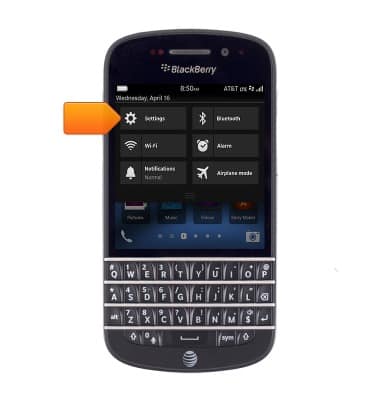
- Tap Settings.
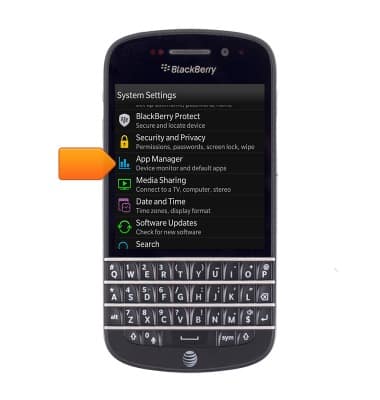
- Scroll to, then tap App Manager.
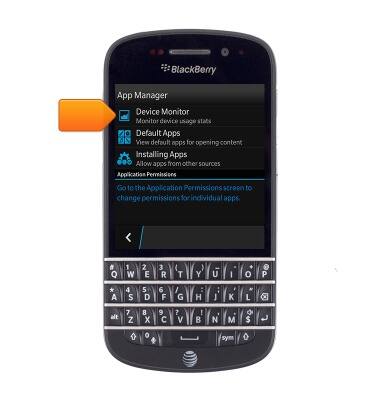
- Tap Device Monitor.
- To view overall data usage, tap CPU.
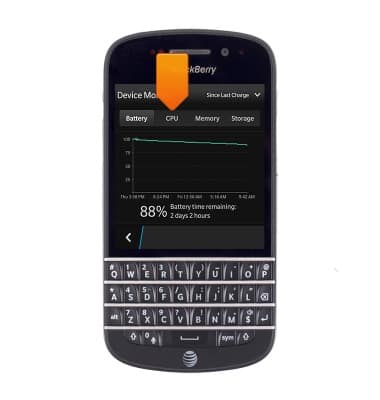
- Overall data usage is displayed.
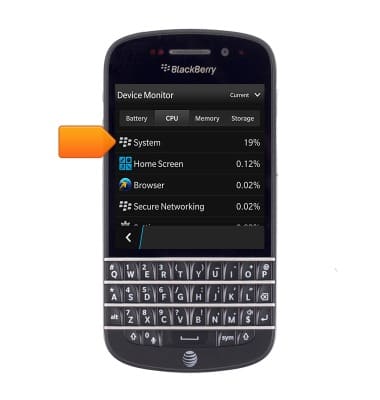
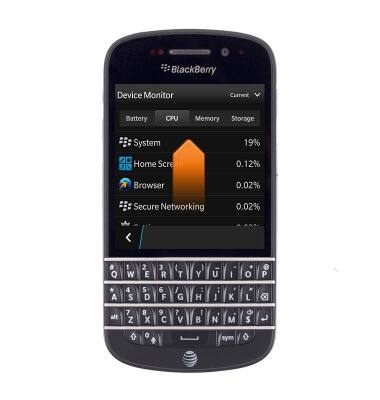
- To view specific app usage, scroll up to the desired app.
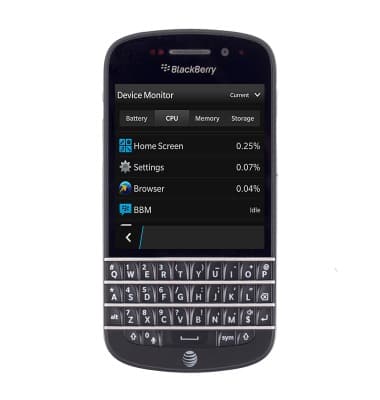
- Tap the desired app to view details.
View & manage data
BlackBerry Q10 (SQN100-1)
View & manage data
Access Usage Manager to view data usage, set data limits, & see the apps using the most data.
INSTRUCTIONS & INFO