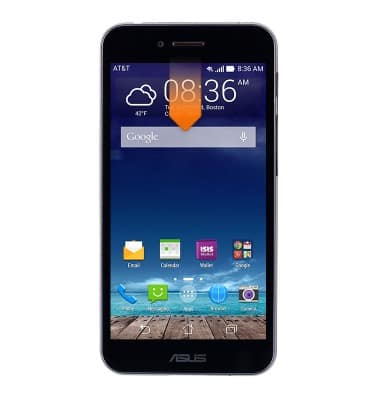
- From the home screen, swipe down from the Notifications bar.
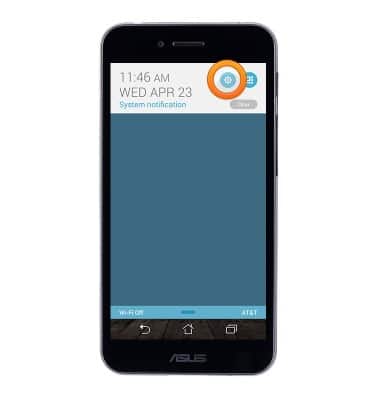
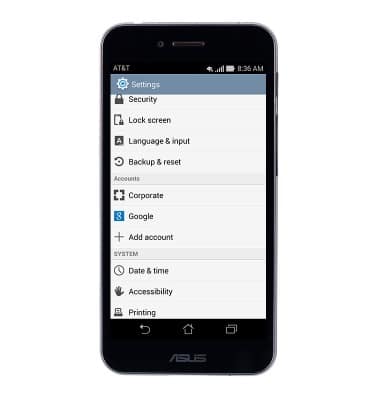
- Tap the Settings icon.
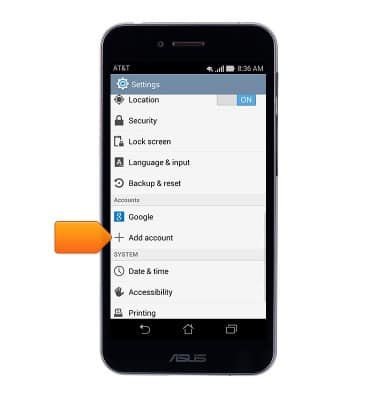
- Tap Add account.
- Tap Corporate.
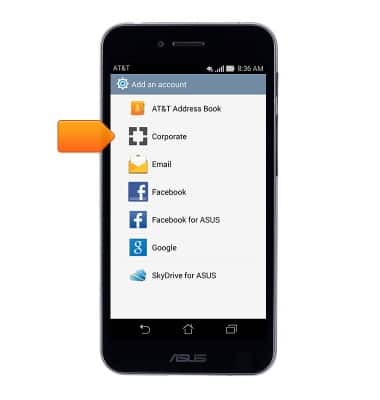
- Enter the desired corporate email address, then tap the Password field.
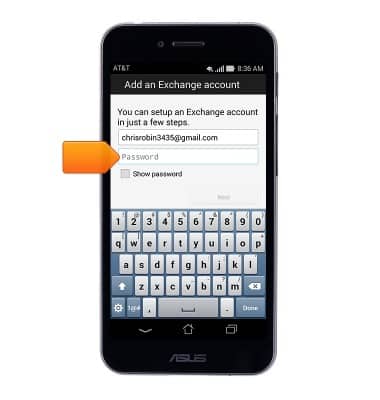
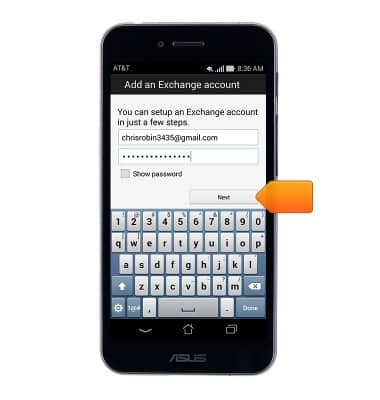
- Enter the desired password, then tap Next.
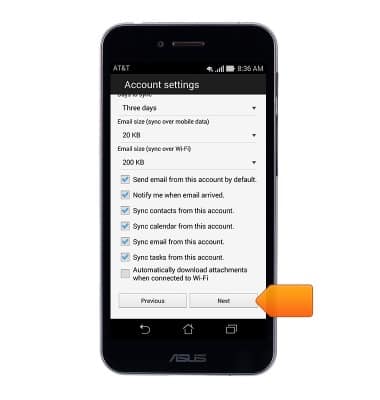
- Adjust any desired settings, then tap Next.
- Change the account name if desired, then tap Next.
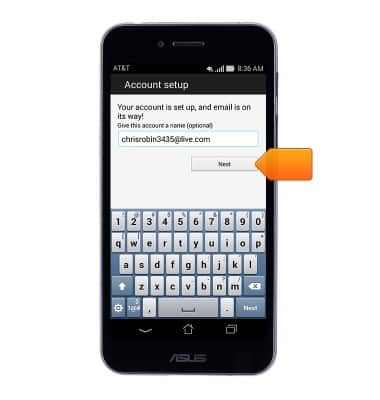
- The account is now linked to the device.
Set up corporate email
ASUS PadFone X (T00D)
Set up corporate email
Add an Exchange email account so you can read and send email on your device.
INSTRUCTIONS & INFO