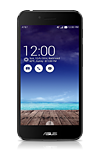
- From the home screen, touch and hold an empty part of the screen.

- Tap Wallpapers.
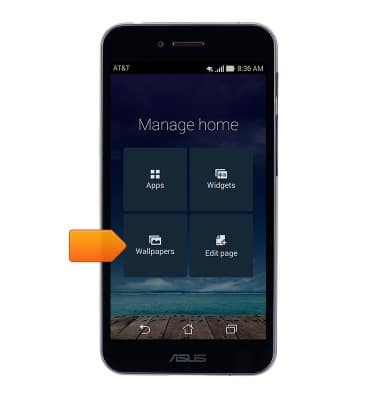
- Tap the desired option.
Note: For this demonstration, Home screen was chosen.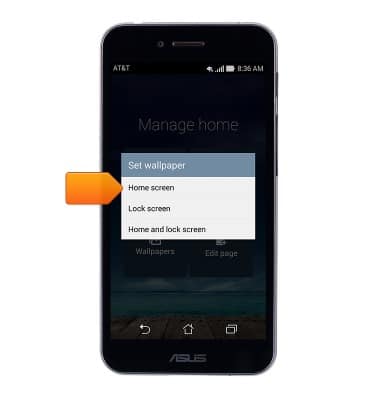
- Swipe to, then tap the desired wallpaper.
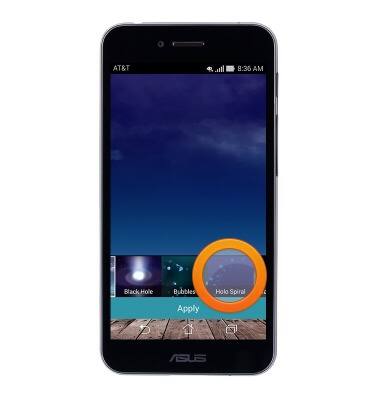
- Tap Set wallpaper.

Change wallpaper
ASUS PadFone X (T00D)
Change wallpaper
This article describes how to change the wallpaper, or background, of the home screens.
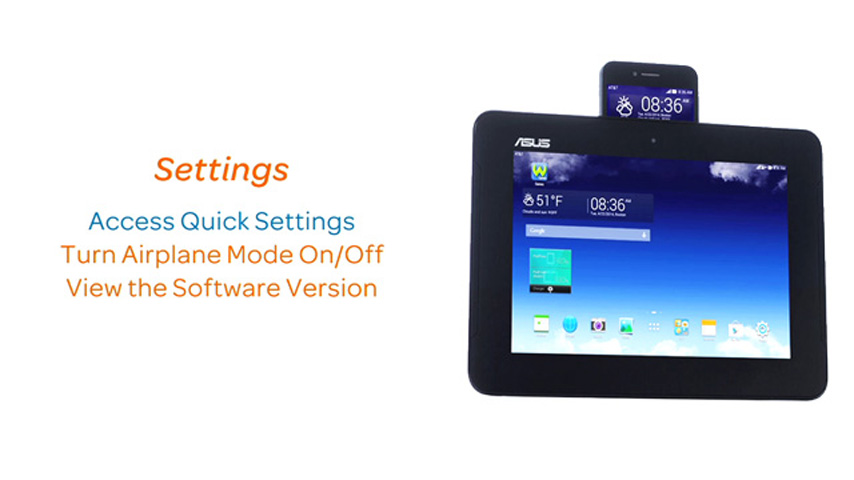
Settings
This video explains the device's settings.
Settings
1:15
INSTRUCTIONS & INFO