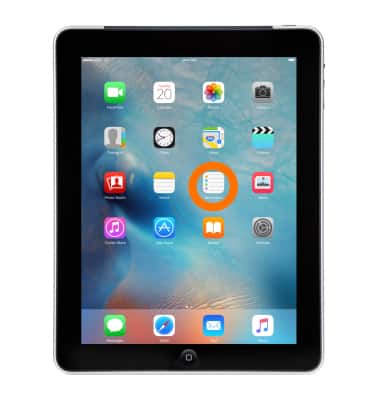
- To use your Reminders, from the Home screen tap Reminders.
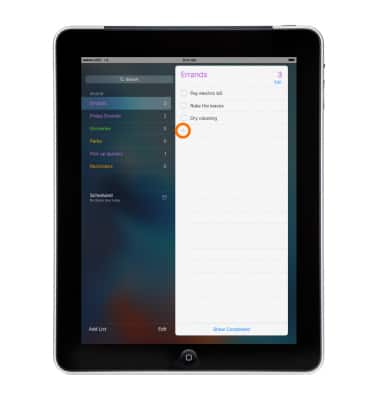
- To create a new reminder or list, tap the Add icon '+' or tap a Blank line.
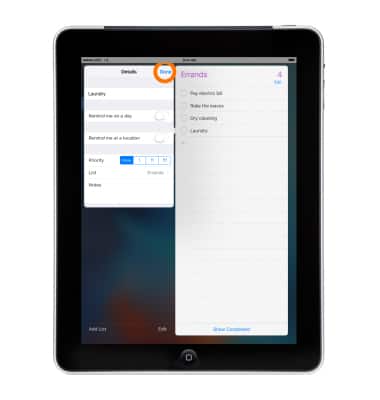
- Enter your item, then tap the Info icon 'i' next to it.
Note: Within the Info icon 'i' you can: Create date and time, or location-based, Notifications, Set reminder priority, Add reminder notes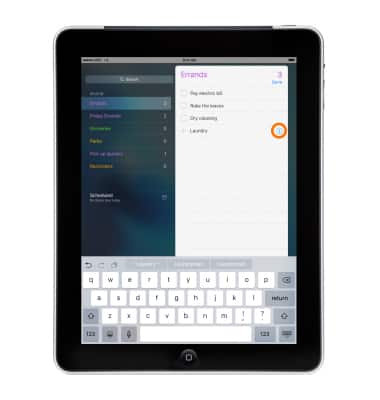
- Set event details and tap Done.
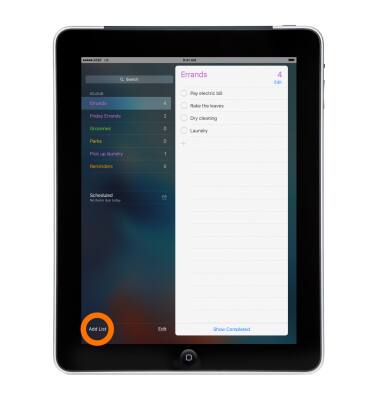
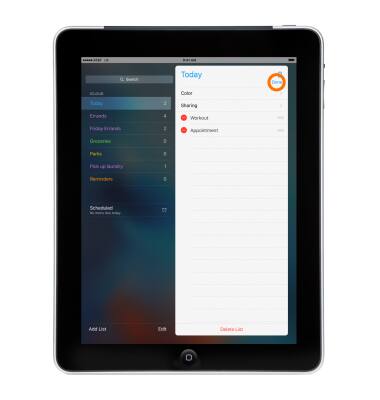
- To create a new list, tap Add List.
- Name your list, choose a color for the list and tap Done.
Note: If you're using iCloud, you can share a reminder list with other iCloud users.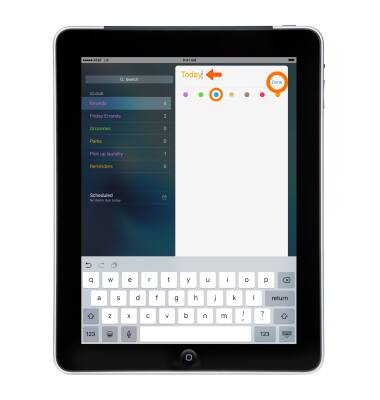
- To add an event to a list, tap the + icon.
Note: Tap the Info icon 'i' to edit more event details.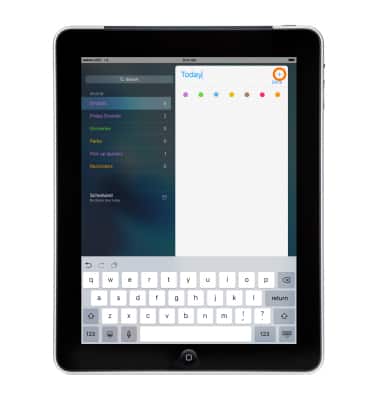
- Enter an event, then tap Done.
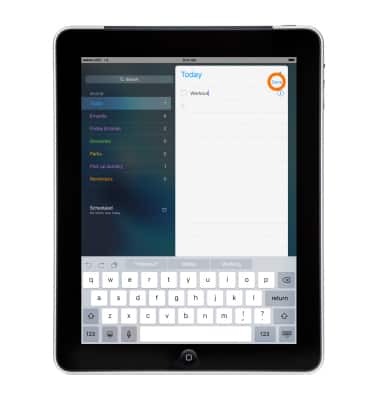
- To edit the list, tap Edit.
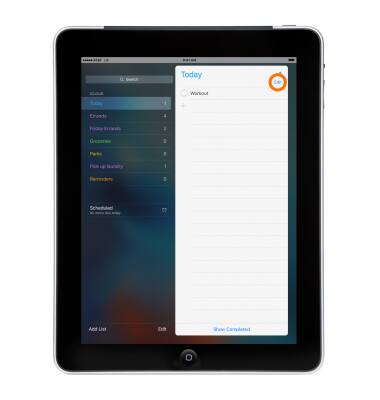
- To change the order of the list, tap the Icon to the right of the line and move it to the desired position.
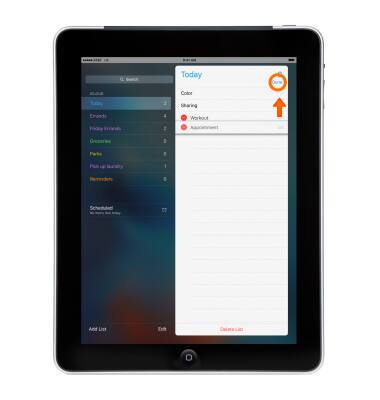
- To delete an item from a list tap the Delete icon, then tap Delete. To delete the entire list, tap Delete List.
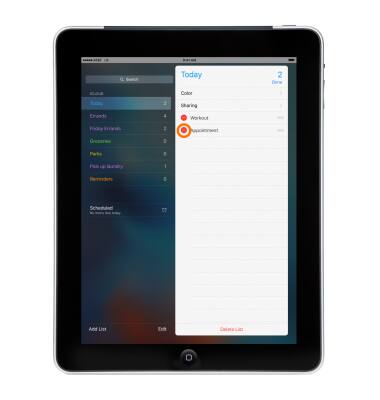
- When done, tap Done.
Reminders
Apple iPad 2
Reminders
Keep track of all the things you need to know like due dates and locations.
INSTRUCTIONS & INFO