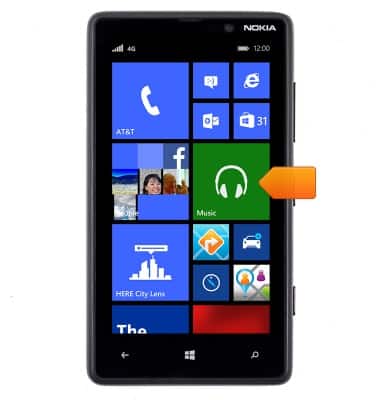
- From the home screen, tap Music.
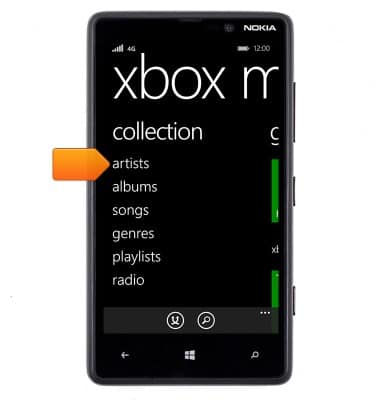
- Tap artists.
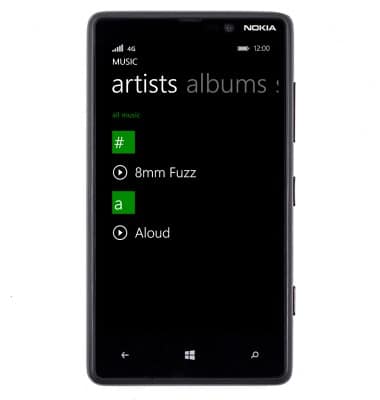
- Tap the desired artist.
- Tap the desired album.
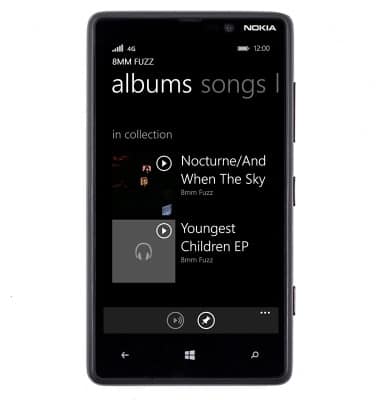
- Tap the desired song.
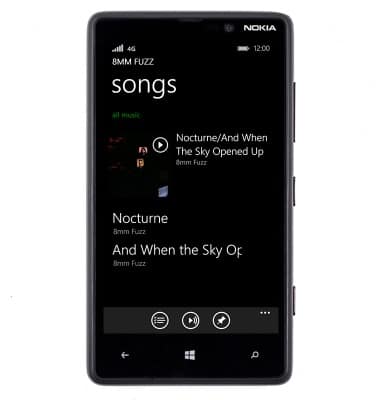
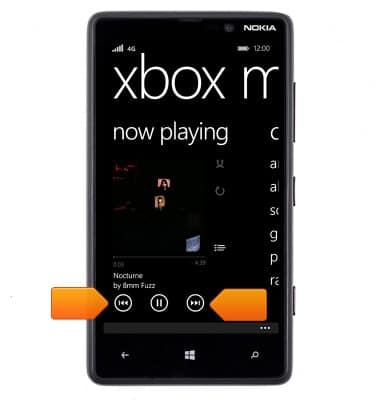
- The song will begin playing. Tap the Next or Last icons to advance to the next song, or press and hold them to rewind or fast-forward.
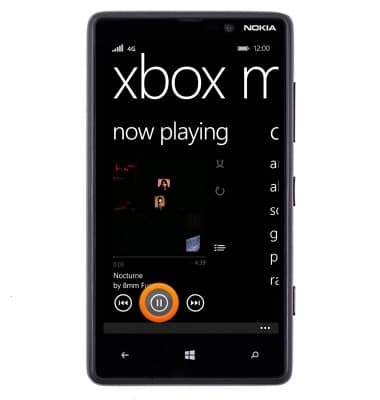
- Tap the Pause icon to pause the song. Tap it again to resume playback.
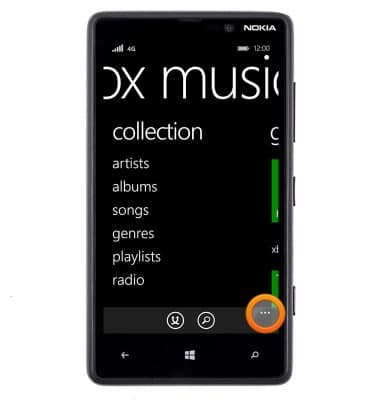
- To access settings, tap the Menu icon.
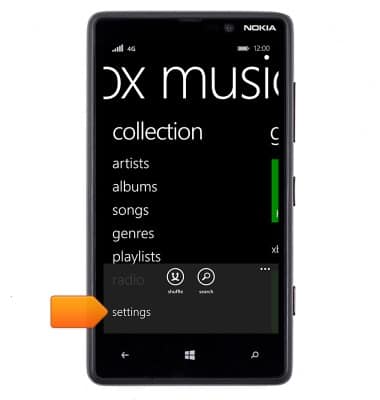
- Tap settings.
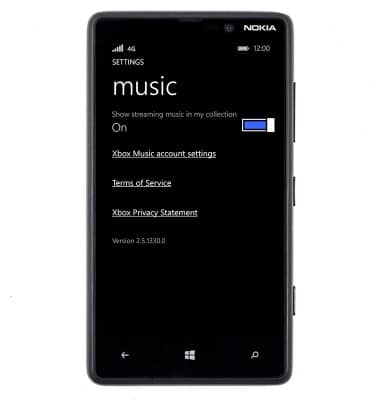
- Nokia music settings will be displayed.
Nokia music
Nokia Lumia 820
Nokia music
This article describes how to use the Nokia music features.
INSTRUCTIONS & INFO